
How do I change the keyboard layout (e.g. QWERTY to AZERTY) in Microsoft SwiftKey Keyboard?
In Microsoft SwiftKey you can choose from a variety of different keyboard layouts to match your chosen language(s).
Supported layouts include:
- QWERTY
- QWERTZ
- AZERTY
- Colemak
- Dvorak
To change your layout, either:
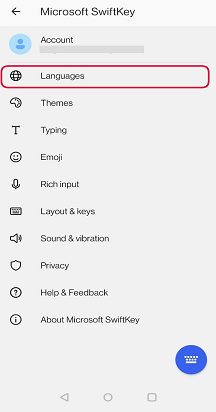
- Open your Microsoft SwiftKey app: Tap 'Languages'
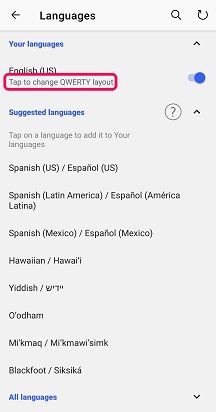
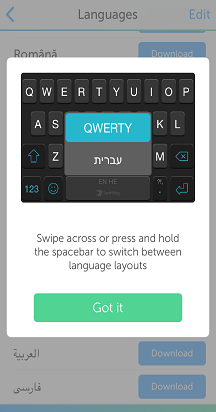
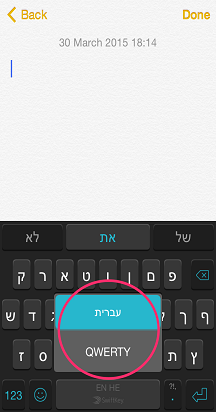
- Locate a language from the list. Tap on it to open the layout switcher
- Scroll through the layout options available. Tap to select.
Or:
- From Toolbar: Tap the three dots ... then select the 'Layouts' icon.
- Scroll through the layout options available. Tap to select.
- When you next open your keyboard, you’ll see the layout has changed.

Contact Us
For more help, Contact Support at Microsoft SwiftKey Support - Contact us