
There are several ways to give your 3D Maps a different look. Two of the quickest are changing the theme and showing map labels. You can also change the color of a data series in 3D Maps.
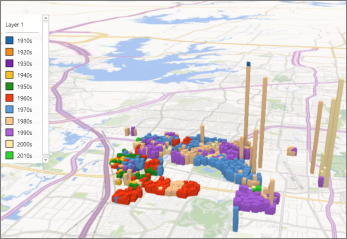
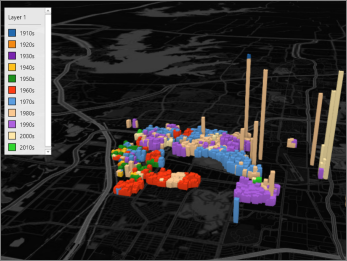
Change the 3D Maps theme
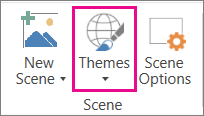
Select Home > Themes, and pick the theme you want.
Tip
Some themes contain generic road maps and some contain high-fidelity satellite images. Try experimenting with the different themes to achieve specific effects in your 3D Maps.
Show map labels
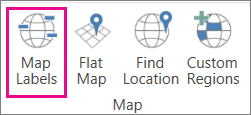
Select Home > Map Labels.
Tip
Map labels can be shown or hidden for each scene. If the labels make your 3D Maps look cluttered, try hiding them for that scene.