In a desktop version of Excel, you can add a 3D map. Then, with Region charts you can create visualizations such as the red state/blue state maps showing political election results, market share by country/region, or personal income by zip codes.
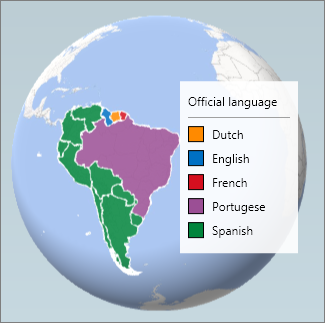
A Regions chart will show any of the following regions if they're provided in your data:
- Country/Region
- State/Province
- County
- Zip Code/Postal Code
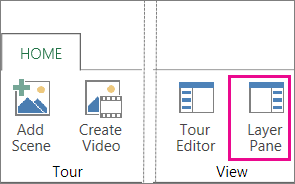
If you don’t see the Layer Pane, click Home >Layer Pane.
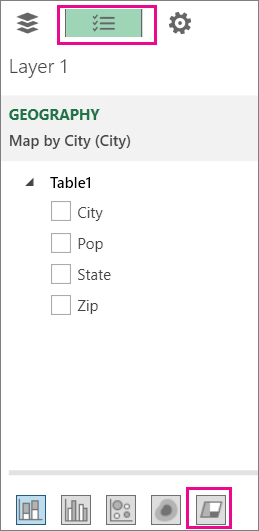
At the top of the Layer pane, hover on the icons, then select the one that says Change the visualization to Region.
Note
For older versions, go to the Field List tab, then click Change the visualization to Region.