-
Select the text you want to space differently.
-
On the Home tab, select

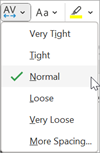
-
Select the text you want to space differently.
-
On the Home tab, select
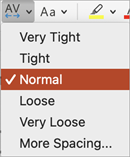
Changing character spacing isn't currently possible in PowerPoint for the web. You can, however, change character spacing in the PowerPoint desktop app.
-
To open the desktop app, at the top of the ribbon, select

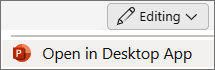
Don't have the PowerPoint desktop app? Try or buy Microsoft 365.