Themes provide a complete design for your document, including colors, fonts, and other formatting elements. You can apply a different theme to an existing document and save a customized theme for reuse in other documents. For more theme customization options, you can create or customize a theme in PowerPoint for Mac, and then apply it to your Word document.
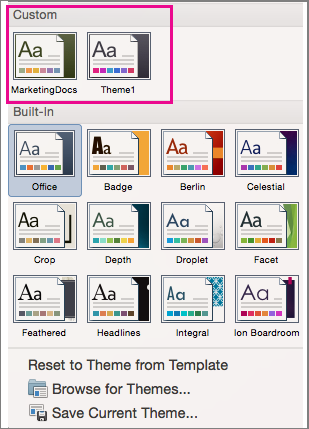
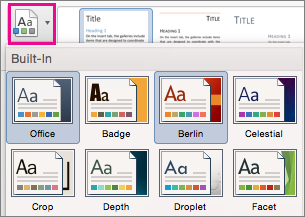
To apply or change the theme for the current document, on the Design tab, select Themes, and then chose the one you want to use.
On the Design tab, use Colors, Fonts, Paragraph Spacing, Watermark, Page Color, or Page Borders to change the document's design.
If the theme colors or fonts you want aren't available in Word for Mac, create or customize the theme in PowerPoint for Mac. You can then apply that theme to your Word document.
To save your theme, on the Design tab select Themes, and then select Save Current Theme.
In the Save Current Theme dialog box, type a name for your new theme and select Save.
To apply your saved theme in another document, on the Design tab, select Themes, and then select the theme from the Custom section.