
Word for the web lets you add review comments to a document and reply to comments from other reviewers. Start at the Review tab to manage comments in Edit View or the Comments tab to manage them in Reading View.
Add or view comments
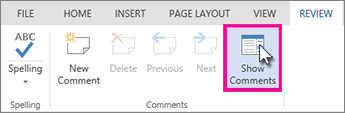
To view comments, go to the Review tab and select Show Comments.
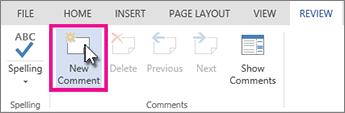
To add a new comment, select the text you want to add a comment about, then go to the Review tab and select New Comment.
If you have the Word desktop application, use the Open in Desktop command to open the document and turn on track changes.
If you don’t have Word, you can try or buy the latest version of Office now.