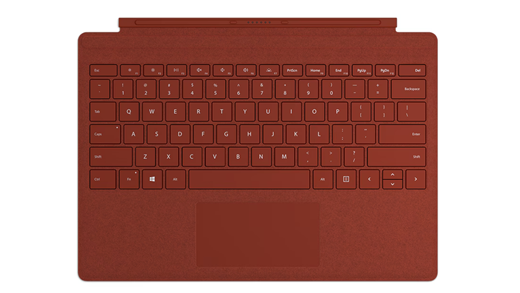
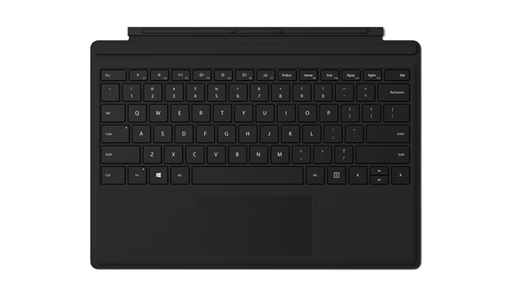
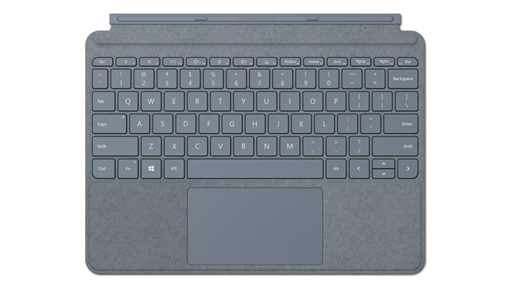
Learn more about Surface Pro Keyboards and Type Covers
With a Surface Pro Keyboard or Type Cover, you have the flexibility to type comfortably and work your way anywhere. If you're not sure about the model of your device, see Find out which Surface model you have.
Note
Looking for a Surface Keyboard? Our Bluetooth keyboard offers a full-size, classic typing experience with a dedicated Copilot key, built-in number pad, and up to 12 months of battery life. Learn more about Surface Keyboard
What's the difference between Surface Pro Keyboard and Surface Type Cover?
Surface Pro Keyboard and Surface Type Cover are accessories that turn your device into a laptop. You can draw, take notes, and make your device more comfortable to use. Here's a summary to help you decide which accessory will suit your needs.
Surface Keyboard
Connector type
Surface Pro 12-inch Keyboards are compatible with Surface Pro 12-inch 1st Edition.

Surface Pro Keyboards are compatible with Surface Pro 8 and later models.

Surface Pro Type Covers are compatible with Surface Pro 7+ and earlier models. Surface Go Type Covers are compatible with Surface Go models.

Find a Keyboard or Type Cover that works with your Surface. Make sure to review the compatibility details provided.
Surface Pro 12-inch Keyboard
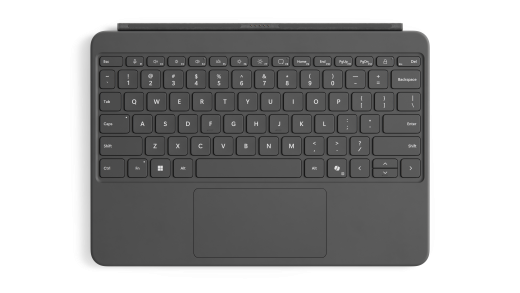
Surface Pro 12-inch Keyboard makes it easy to use AI, turn off your microphone, take screenshots, and lock your device fast. Take a look at the enhanced keyboard experiences.
Note
If Copilot is not available or turned off within the device, pressing the Copilot key will launch Windows Search.
| Surface models | Surface Pro 12-inch 1st Edition |
| Pen storage and charging |

|
| Features include |
|
| Accessibility | Bold keyset edition (available only in US English in select markets) |
| Where to buy | Available to purchase from the Microsoft Store and other retailers. |
Surface Pro 13-inch Flex Keyboard
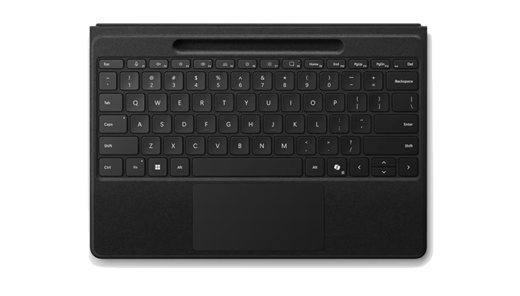
Surface Pro 13-inch Flex Keyboard and Surface Pro 13-inch Flex Keyboard for Business boast a spacious and sleek design, offering unparalleled comfort. Easily switch between modes and experience the ultimate flexibility. With the Surface Pro Flex Keyboard, you can have a laptop setup by connecting it to your Surface Pro. You can also detach it and use it as a wireless keyboard and type with ease in any environment.
Note
If Copilot is not available or turned off within the device, pressing the Copilot key will launch Windows Search.
| Surface models | Surface Pro (11th Edition), Surface Pro 10 for Business, Surface Pro 9, Surface Pro 8 running Windows 11 |
| Pen storage and charging |

Compatible with Surface Slim Pen (2nd Editon) |
| Features include |
|
| Accessibility |
|
| Where to buy | Available to purchase from the Microsoft Store and other retailers. |
Surface Pro 13-inch Keyboard
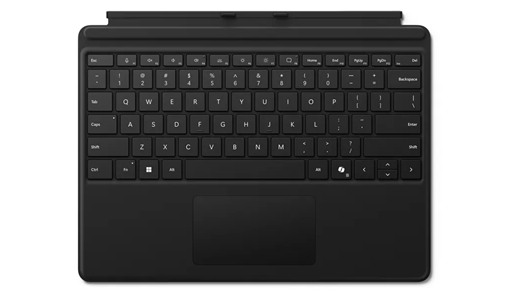
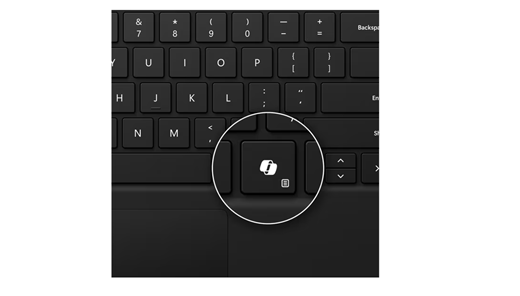
Surface Pro 13-inch Keyboard and Surface Pro 13-inch Keyboard for Business make it easy to use AI, turn off your microphone, and take screenshots quickly. Take a look at the enhanced keyboard experiences.
Note
If Copilot is not available or turned off within the device, pressing the Copilot key will launch Windows Search.
| Surface models | Surface Pro (11th Edition), Surface Pro 10 for Business, Surface Pro 9, Surface Pro 8, Surface Pro X |
| Pen storage and charging |
|
| Features include |
|
| Accessibility | Bold keyset edition (available only in US English in United States, Canada, China, Australia, and New Zealand) |
| Where to buy | Available to purchase from the Microsoft Store and other retailers. |
Surface Pro 13-inch Keyboard with pen storage
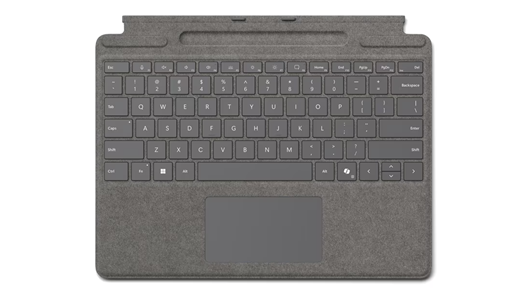
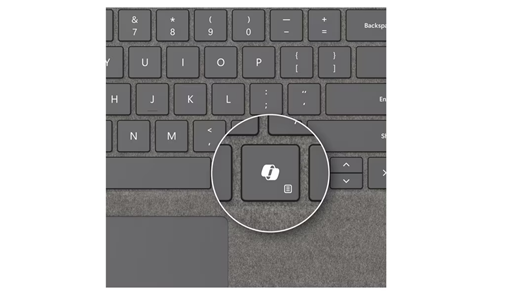
Surface Pro Keyboard with pen storage and Surface Pro Keyboard with pen storage for Business make it easy to use AI, turn off your microphone, and take screenshots quickly. Take a look at the enhanced keyboard experiences.
Note
If Copilot is not available or turned off within the device, pressing the Copilot key will launch Windows Search.
| Surface models | Surface Pro (11th Edition), Surface Pro 10 for Business, Surface Pro 9, Surface Pro 8, Surface Pro X |
| Pen storage and charging |
|
| Features include |
|
| Accessibility | Bold keyset edition (available only in US English in United States, Canada, China, Australia, and New Zealand) |
| Where to buy | Available to purchase from the Microsoft Store and other retailers. |
Surface Pro Signature Keyboard
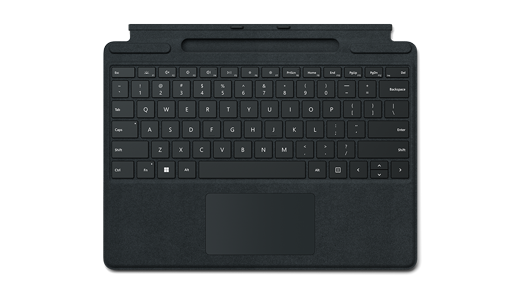
The Surface Pro Signature Keyboard offers an exceptional typing experience, seamless adaptability, and convenient storage for the Slim Pen.
| Surface models | Surface Pro (11th Edition), Surface Pro 10 for Business, Surface Pro 9, Surface Pro 8, Surface Pro X |
|---|---|
| Pen storage and charging |
(Pen not included) |
| Features include |
|
| Optional feature | Surface Pro Signature Keyboard offers an optional fingerprint reader for quick and secure sign-in with just one touch. |