
Saat overlay RSVP berada di layar, ketuk tombol chevron atas atau bawah (panah) untuk menciutkan atau memperluas kalender mini.

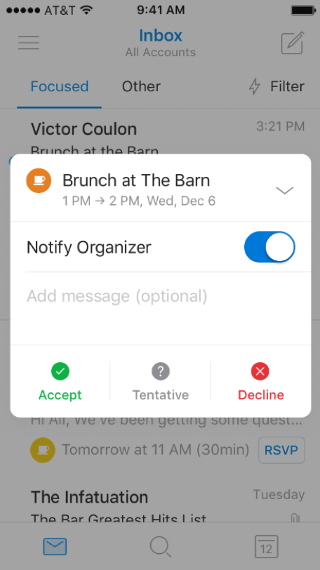
Saat overlay RSVP berada di layar, ketuk tombol chevron atas atau bawah (panah) untuk menciutkan atau memperluas kalender mini.