
- From the mail view, tap the account (3 lines) icon at the top left corner of the app.
- Tap the drop-down arrows to the right of the email account to expand a list of folders for that account.
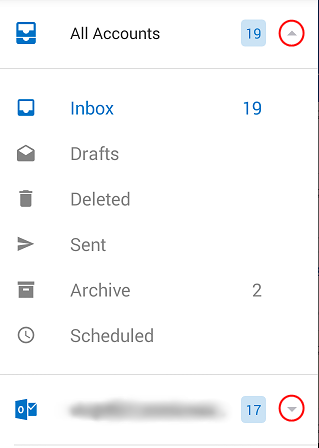
- Tap on one of the folders to open it in the mail view.
How do I view my sent, trash, archive and other folders?
적용 대상
Android용 Outlook iOS용 Outlook