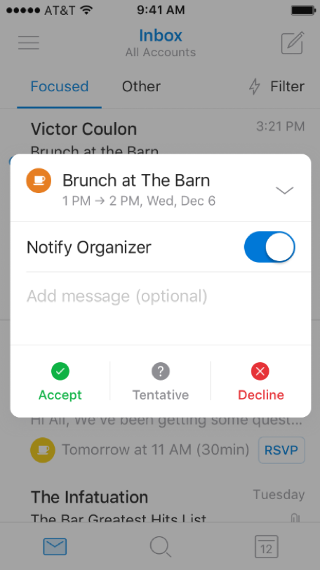
How do I collapse or expand the mini-calendar in the RSVP overlay?

Aplica-se A
Outlook para Android Outlook para iOS

When the RSVP overlay is on screen, tap the up or down chevron (arrow) button to collapse or expand the mini-calendar.

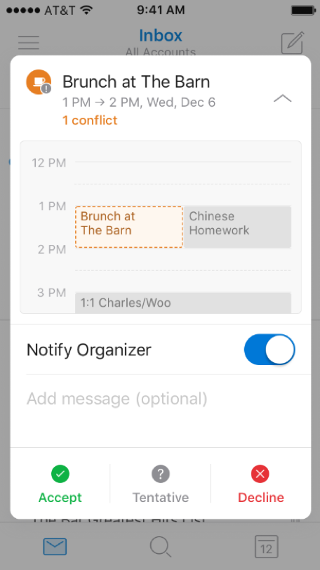
Shows a mobile screen, with an invitation on the calendar. The collapse arrow is at the top of the screen, pointing up.

Shows a mobile screen, with a summarized invitation to an event. The expand arrow is at the top of the screen, pointing down