
要變更 Gmail 或 Google Apps 帳戶中的 IMAP 資料夾限制,請移至 Gmail 設定頁然後將資料夾大小限制區段變更為:
- 不要限制 IMAP 資料夾中的訊息數量 (預設)
- 確認已啟用網際網路訊息存取通訊協定。

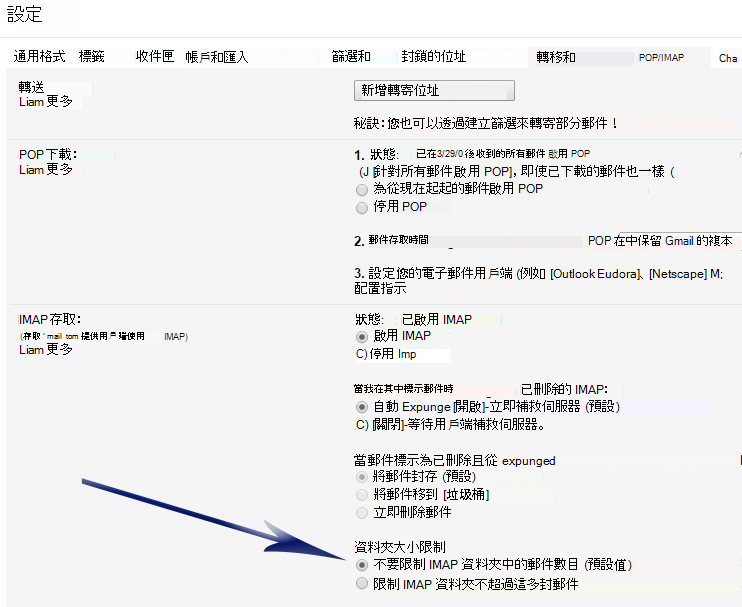
要變更 Gmail 或 Google Apps 帳戶中的 IMAP 資料夾限制,請移至 Gmail 設定頁然後將資料夾大小限制區段變更為: