設定簡報的預設佈景主題

套用到
Microsoft 365 PowerPoint Mac 版 Microsoft 365 PowerPoint PowerPoint 2024 Mac 版 PowerPoint 2024 PowerPoint 2021 Mac 版 PowerPoint 2021 PowerPoint 2019 PowerPoint 2016

你可以把預設主題改成 PowerPoint 內建的主題,或是你自己創建的主題。


更改預設主題

  1. 如果你還沒做,請建立並套用你想設定為預設的主題。
    欲了解更多關於建立主題的資訊,請參閱「 在 PowerPoint 中建立您自己的主題」。

    注意

    你必須先儲存簡報,才能將主題設為預設。

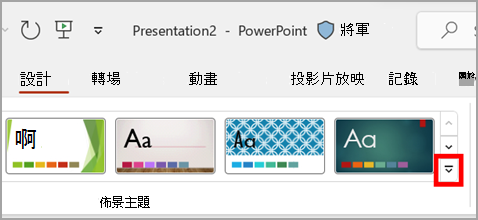
  2. 在 設計 標籤中,選擇 主題下的箭頭。

    在 PowerPoint 設計標籤中主題區塊的下拉選單。

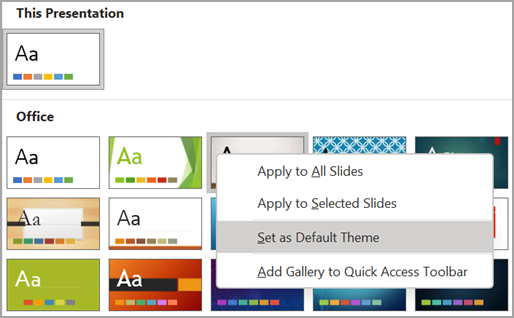
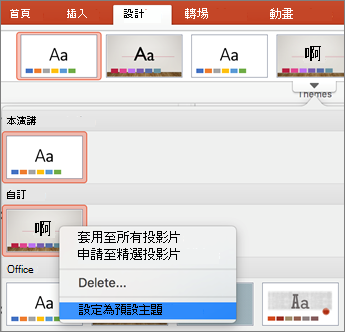
  3. 指向你想設定為預設的主題,右鍵點擊,然後選擇 「設定為預設主題」。
    在 Microsoft PowerPoint 中選擇預設主題。
    下次你開啟新的簡報時,它會以你設定為預設的主題開啟。