
PowerPoint help & learning
Elevate your presentations
Copilot in Powerpoint helps you generate outlines, design slides, and organize content for the perfect story. Try Copilot Pro for free to experience AI in Microsoft 365 apps.
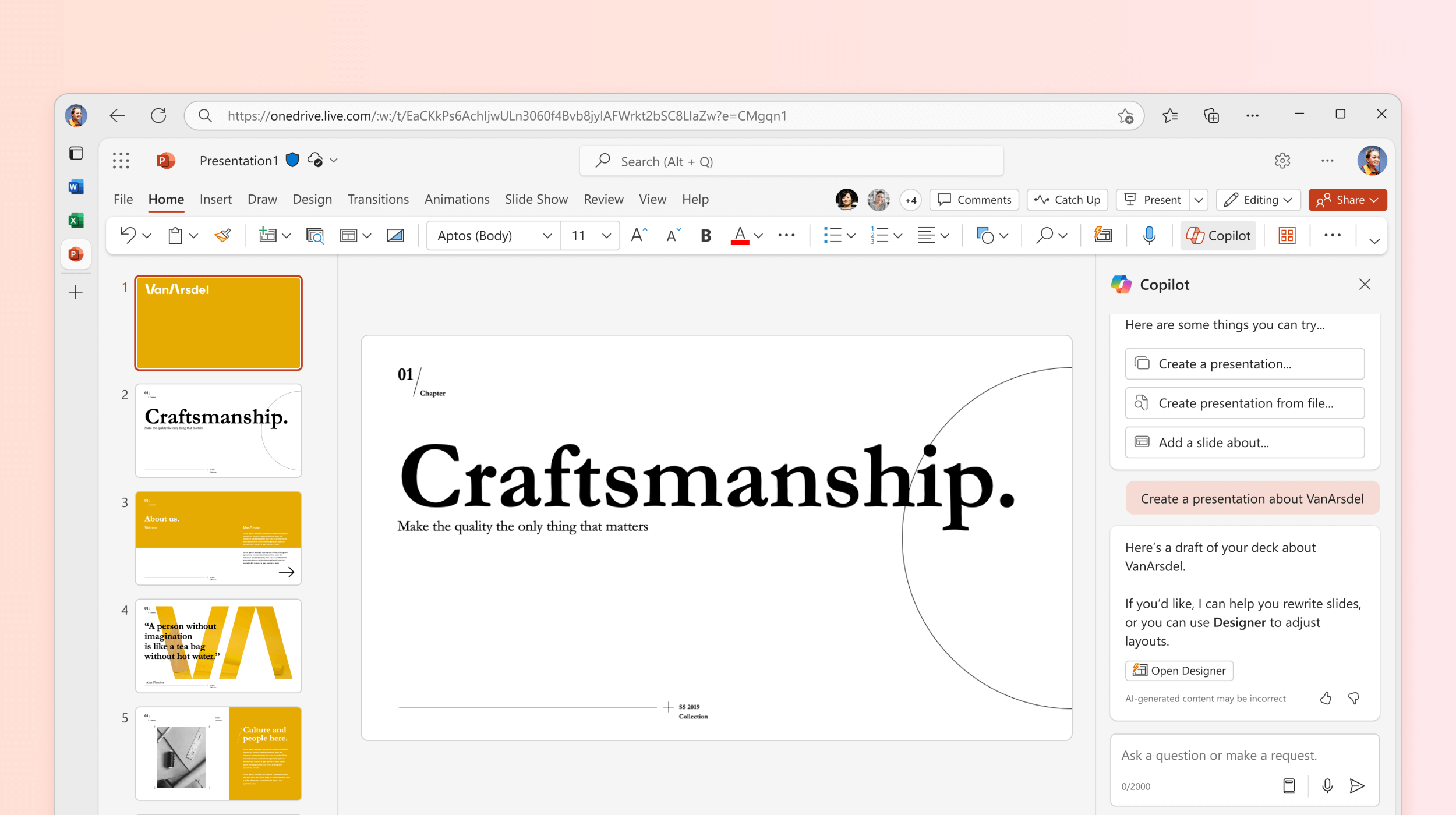
Explore PowerPoint

Are you a small business?
Visit the small business help & learning page to learn how you can use Microsoft 365 in your small business.

Learn from live instructors
TakeLessons powered by Microsoft now offers 1-on-1 and group live training to take your PowerPoint skills to the next level.
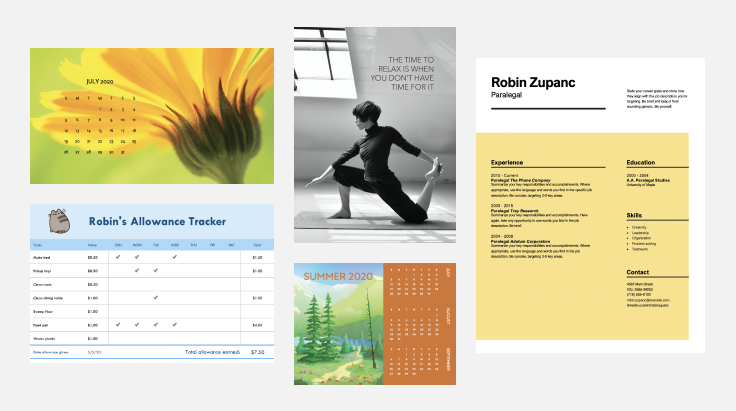
Find PowerPoint templates
Bring your ideas to life by starting with professionally designed, fully customizable templates from Microsoft Create.
Support for PowerPoint 2013 has ended
Learn what end of support means and how to upgrade to Microsoft 365.
Trending topics
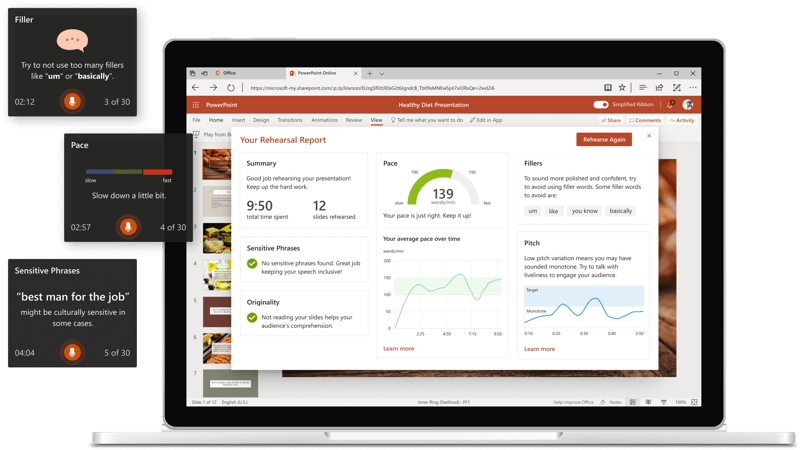
Pitch perfect
Prepare like a pro with Presenter Coach and take your presentation to the next level.