
You can change the color of a data series so that it stands out more. You do this in the Layer Pane.
- Click Home > Layer Pane.

- Pick the layer containing the data series you want to change.
- Click Settings, and click Layer Options.

- Under Color, click the down arrow in the first box and pick the data series you want to change.
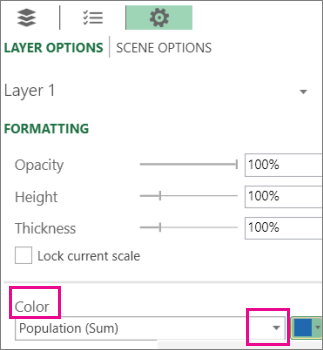
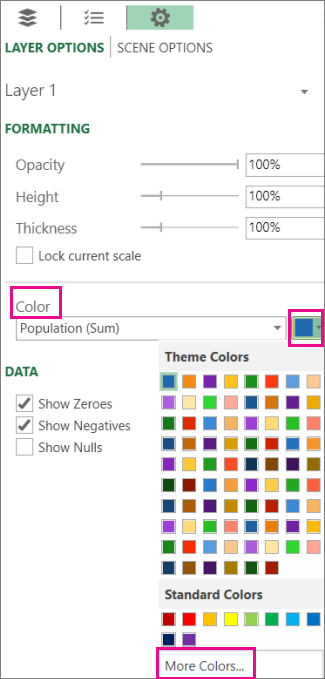
- Click the down arrow in the color box and pick a different color.
Tip
To create your own color, click More Colors and then mix your color in the Color box.