You can quickly create a simple framework for a professional-looking presentation by applying a theme for a unified look, adding new slides with various slide layouts, and then adding visual interest by applying a slide transition to all slides.
On the Design tab, select the theme you want.
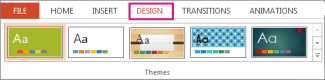
To see more themes, expand the Theme gallery
 .
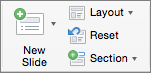
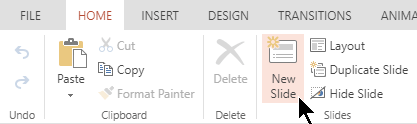
.On the Home tab, click New Slide.

To choose a different slide layout, click the arrow next to New Slide and then click the slide layout you want.
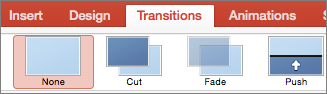
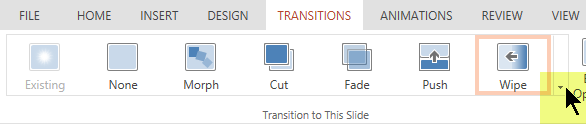
On the Transitions tab, click the transition you want.

To see more transitions, expand the Transition gallery
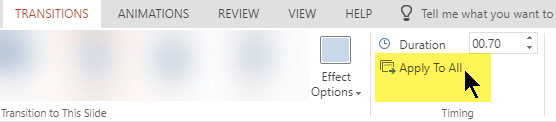
.On the Transitions tab, click Apply To All.

Now you've set up a presentation with a consistent theme and transition style. Next, add more slides, and fill them in with the text and visuals you need for your message.