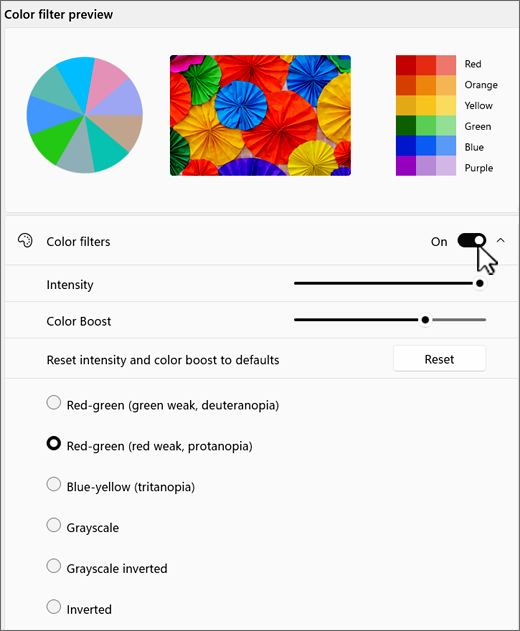
If it's hard to see what's on the screen, apply a color filter. Color filters change the color palette on the screen and can help you distinguish between things that differ only by color.
To use a color filter:
To go to the Accessibility settings on your computer, press the Windows logo key+U or select Start
 > Settings
 > Accessibility
 .
.
Select
 Color filters.
Turn the
Color filters switch on.Select a color filter from the list. Try each filter to see which one suits you best.