
Preparing for the school year with Microsoft Education tools
Applies To
Microsoft 365 for business Microsoft Teams for Education
This guide is here to help educators and school leaders prepare, develop, and implement educational solutions using Microsoft Education tools. Get started with quick links to resources and content that works for your school or district, including solutions for blended, hybrid, or remote learning instructional models.
Checklist for choosing and setting up your tools:
Environment: Redesign learning spaces to engage student thinking beyond the walls of a classroom.
 Build flexible, creative digital spaces for learning that engage students in critical thinking and project-based learning.
Instructional toolbox: Support student instruction, engagement, and interventions.
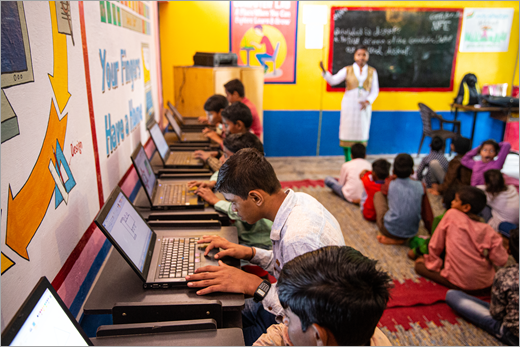
Learn more about strategies within Microsoft Teams to engage, assess, and evaluate student learning.
Community: Build a culture of outreach and support!

Discover ideas for creating engaging opportunities to connect with students wherever you're teaching and learning.