
First... have you signed up for Project Online? If not, see Sign up for Project Online for Office 365 operated by 21Vianet.
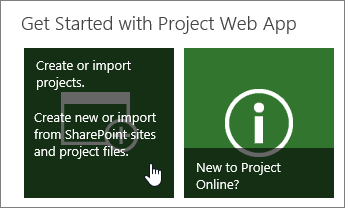
| To create a new project in Project Online, choose Create or import projects. |
|
|---|---|

|
If your organization is just getting set up in Project Online, you'll probably be able to choose from two different types of projects: SharePoint Tasks List and Enterprise Project. The best practice here is to start with a SharePoint Tasks List project. |
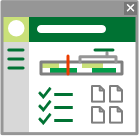
When you create a SharePoint Tasks List project in Project Online...
|
 You can add tasks to your project...
 ...add those tasks to the timeline, or...
 ...add files to the document library on the project site.
 |
|---|