
An official community is one that is created, sponsored, or recognized by an organization as speaking on their behalf. Marking a community as official builds trust and creates legitimacy over the conversations and content shared within it.
Many organizations already create and manage communities for this purpose, but network admins can now designate specific communities recognized by the organization as Official.
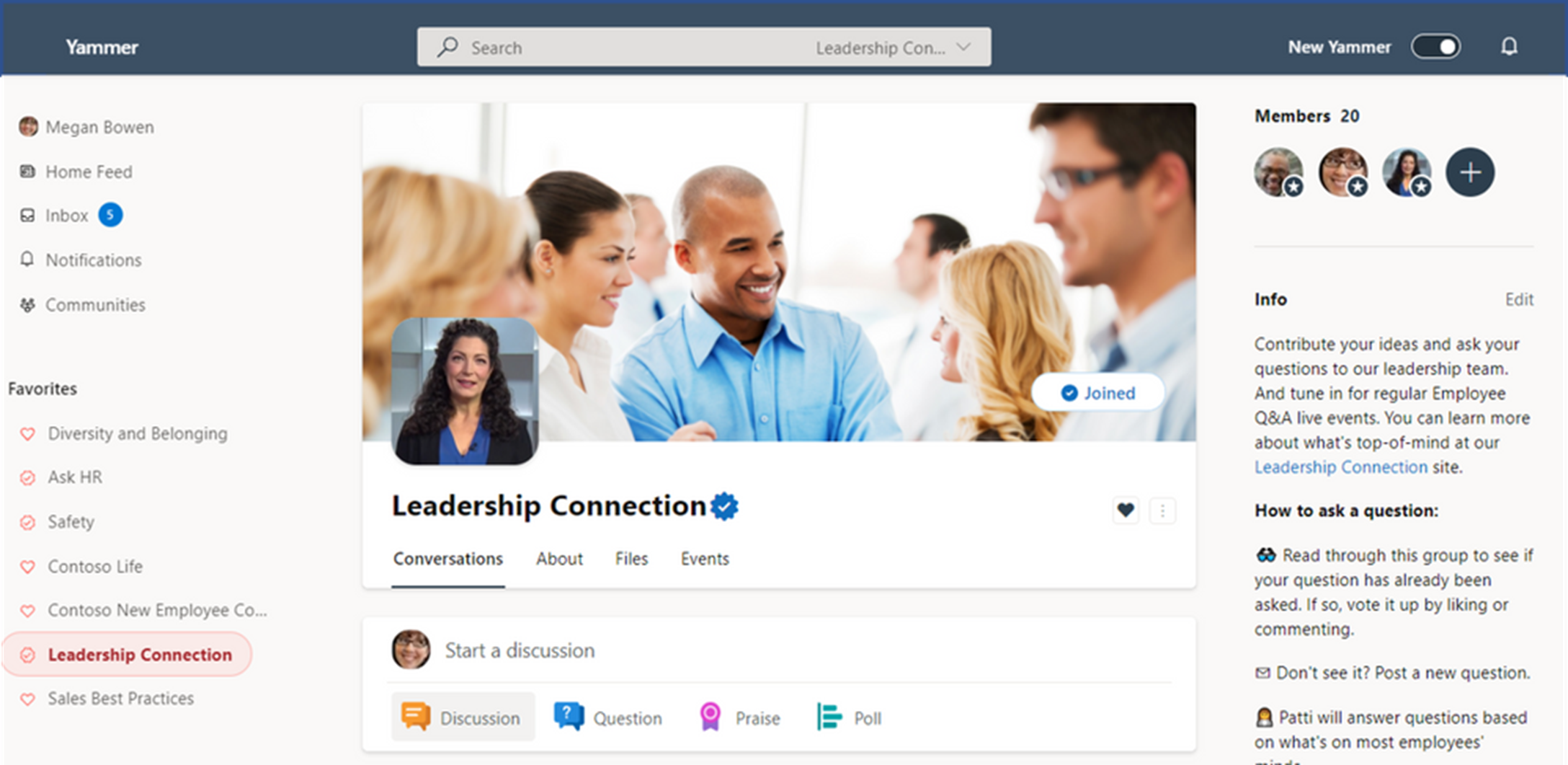
Official status, represented by a "verified" icon (
 ), is also a helpful guide to employees and members of other Viva Engage communities who are using Search to find the correct community.
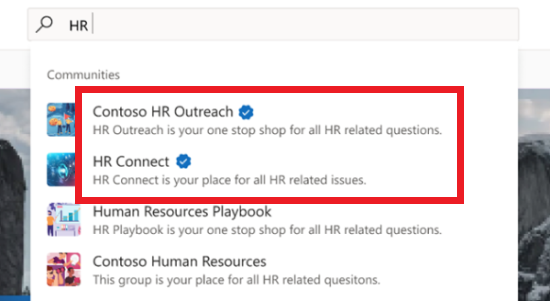
Designate a Viva Engage community as Official
Note
Only network admins can mark communities as Official.
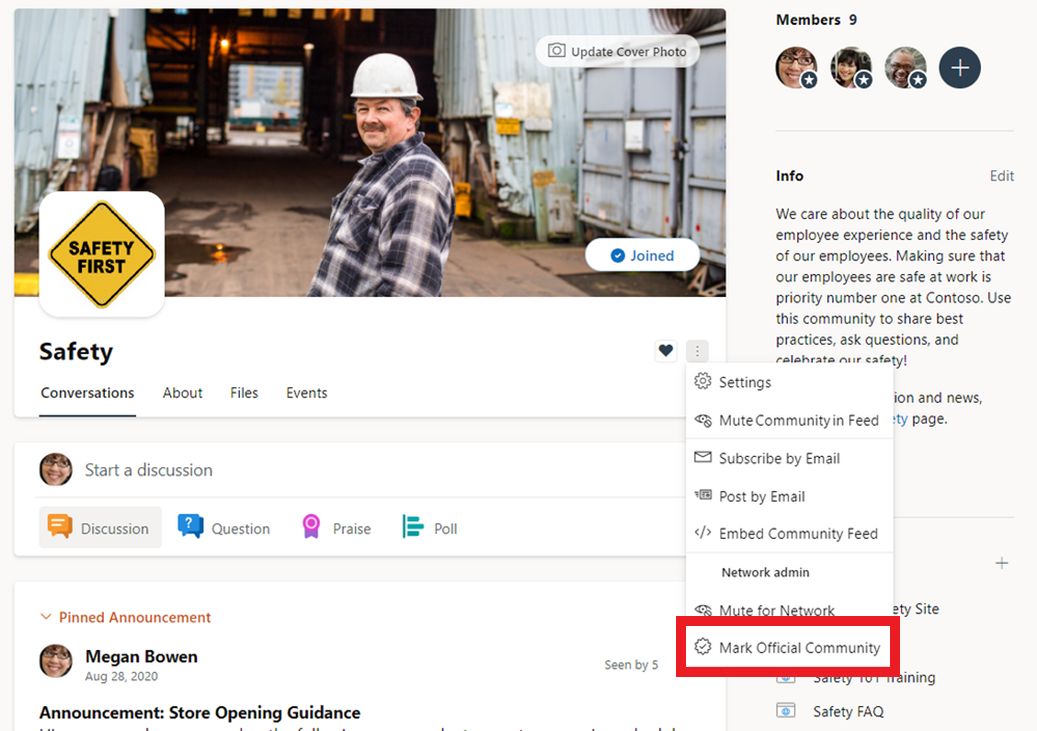
- In a Viva Engage community, select the More Options icon.
- Under the Network admin options, select Mark Official Community.
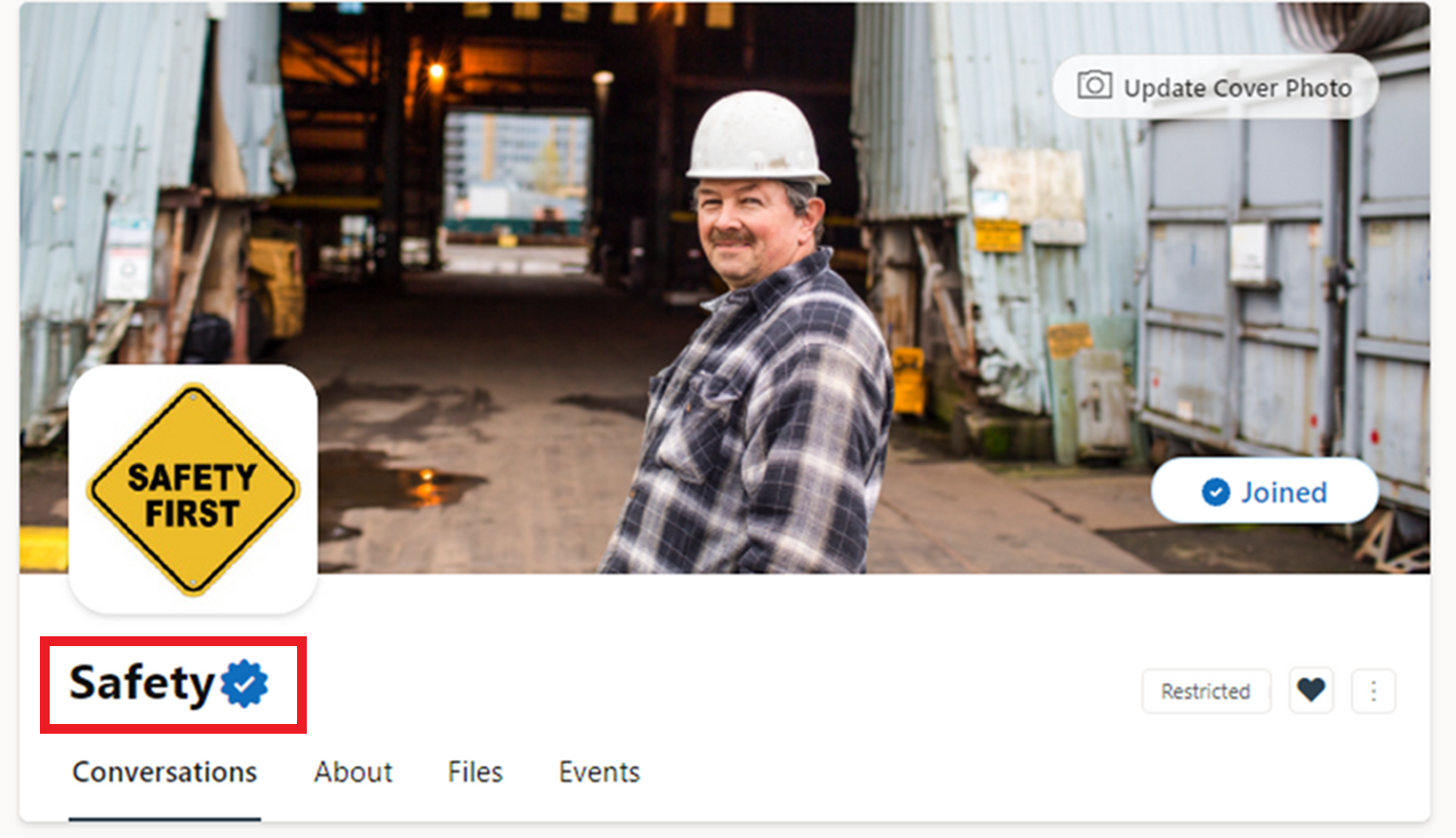
- The verified" icon (
) will appear next to the community's name.
-
Note
This process is the same for public and private communities. As the network admin, if you navigate to a private community you are not a member or admin of, you will still see the more options icon in the header. This will include the network options section with "Mark Official Community".