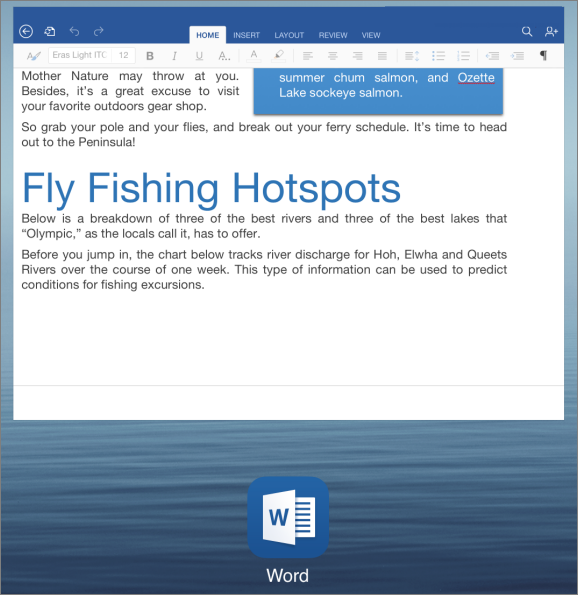
You can quickly switch between Office apps without closing the one you’re in.
- On your iPad or iPhone, press the Home button twice. This shows all the apps that are currently open.
- Swipe left or right to find the app you want.
- Tap the app’s icon or preview screen to switch to it.