
Copilot は、簡単な説明だけでプレゼンテーションにスライドを追加するのに役立ちます。
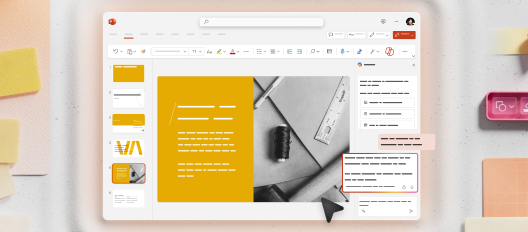
Copilot でスライドを追加する方法
PowerPointで、右下の coner にある Copilot アイコン を選択します。
右下に表示される [Copilot プロンプト] ボックスに、スライドの内容の説明を入力します。 一般的に、詳細が多いほど、結果は向上します。
 女子オリンピックサッカーの歴史に関するスライドを追加し、注目すべき選手をいくつかメンションします。