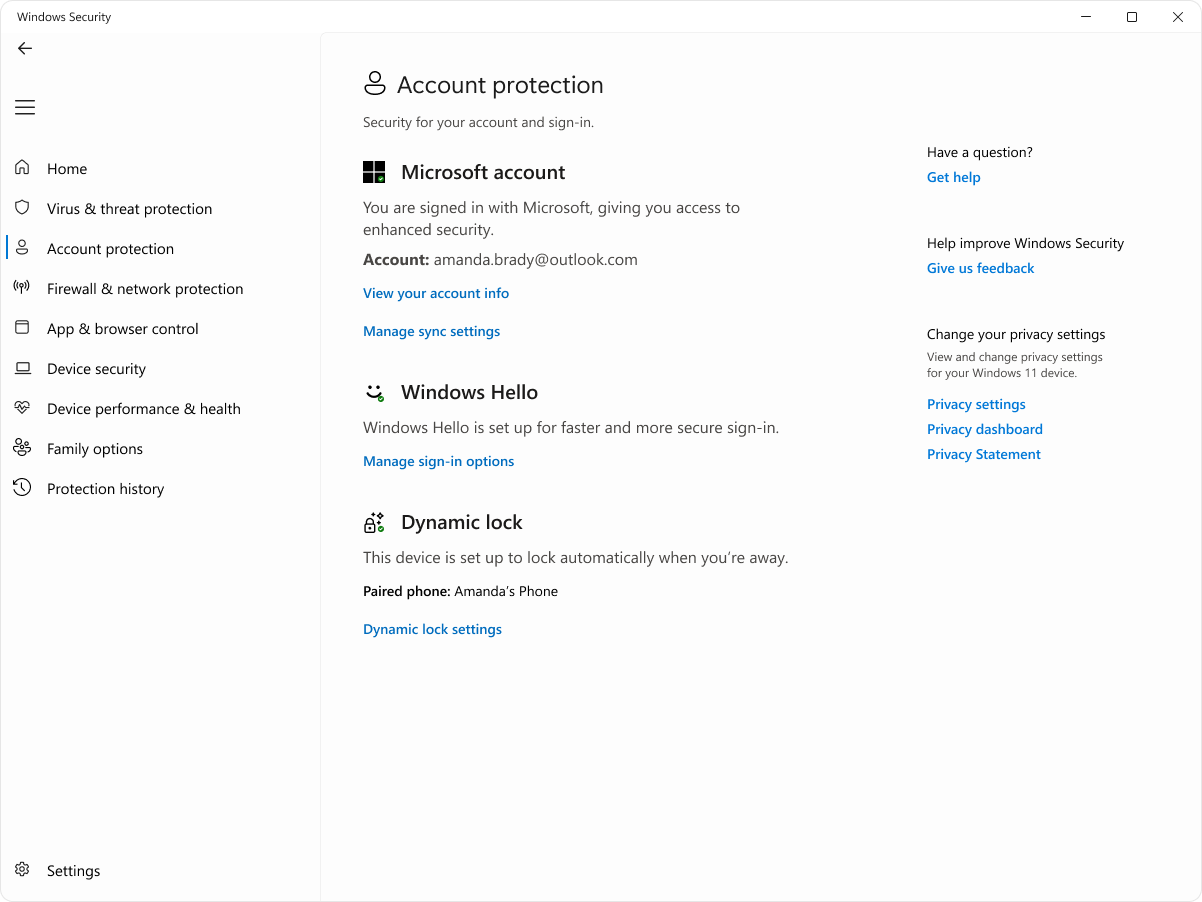
The account protection page of the Windows Security app provides you with easy access to tools to manage your user account security and sign-in options.
The account protection page has the following sections:
Microsoft account: Shows information about your sign-in status with your Microsoft account, and links to the Settings app to manage user account settings
Note
This section is not displayed when you sign in with your work or school account.
Windows Hello: Shows information about Windows Hello, and a link to the Settings app where you can configure Windows Hello and other sign-in options
Dynamic lock: Shows information about dynamic lock, which is a security feature that automatically locks your PC when you're away, and a link to the Settings app to configure it
In the Windows Security app
 on your PC, select Account protection, or use the following shortcut: