
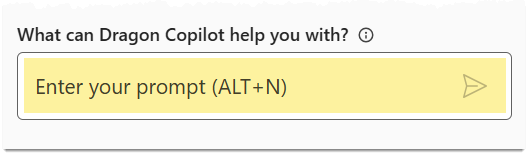
Type or dictate a prompt in the Copilot chat box to generate a concise organized summary based on the encounter summaries or transcript. The response appears in the Timeline tab.
Important
Dragon Copilot only searches the transcript and summary for the current encounter. It cannot search the EHR, or any past encounters for the patient.
Examples of using AI prompts to extract a summary:
Give me a list of pertinent positives and negatives.Summarize the plan in 5th grade English.
Note
Use the AI prompt buttons for one-click requests, such as Summarize note.

Related topics
Use AI prompts for queries outside of your note