
重要
从 2025 年 3 月 5 日开始,Microsoft Store 中不提供适用于 Android 的 Windows 子系统™和 Amazon Appstore。
若要在 Windows 11 电脑上使用移动应用,需要安装 Amazon Appstore。 设置完成后,你将能够浏览和安装精选目录中的移动应用。
Android 是 Google LLC 的商标。
开始之前
Amazon Appstore 和移动应用仅在部分国家和地区可用。 若要了解你的国家或地区是否受支持,请转到 在 Windows 上支持 Amazon Appstore 的国家和地区。
设备要求
确保设备已安装Windows 11。 若要查看电脑所需的最低要求,请转到Windows 11规格和系统要求。 若要在设备上使用移动应用,你的电脑还需要满足以下要求:
| RAM | 建议) (16 GB |
|---|---|
| 存储类型 | 建议) (固态硬盘或 SSD |
| 处理器体系结构 | x64 或 ARM64 |
| 虚拟机平台 | 需要启用此设置。 有关详细信息,请转到在Windows 11电脑上启用虚拟化。 |
安装 Amazon Appstore
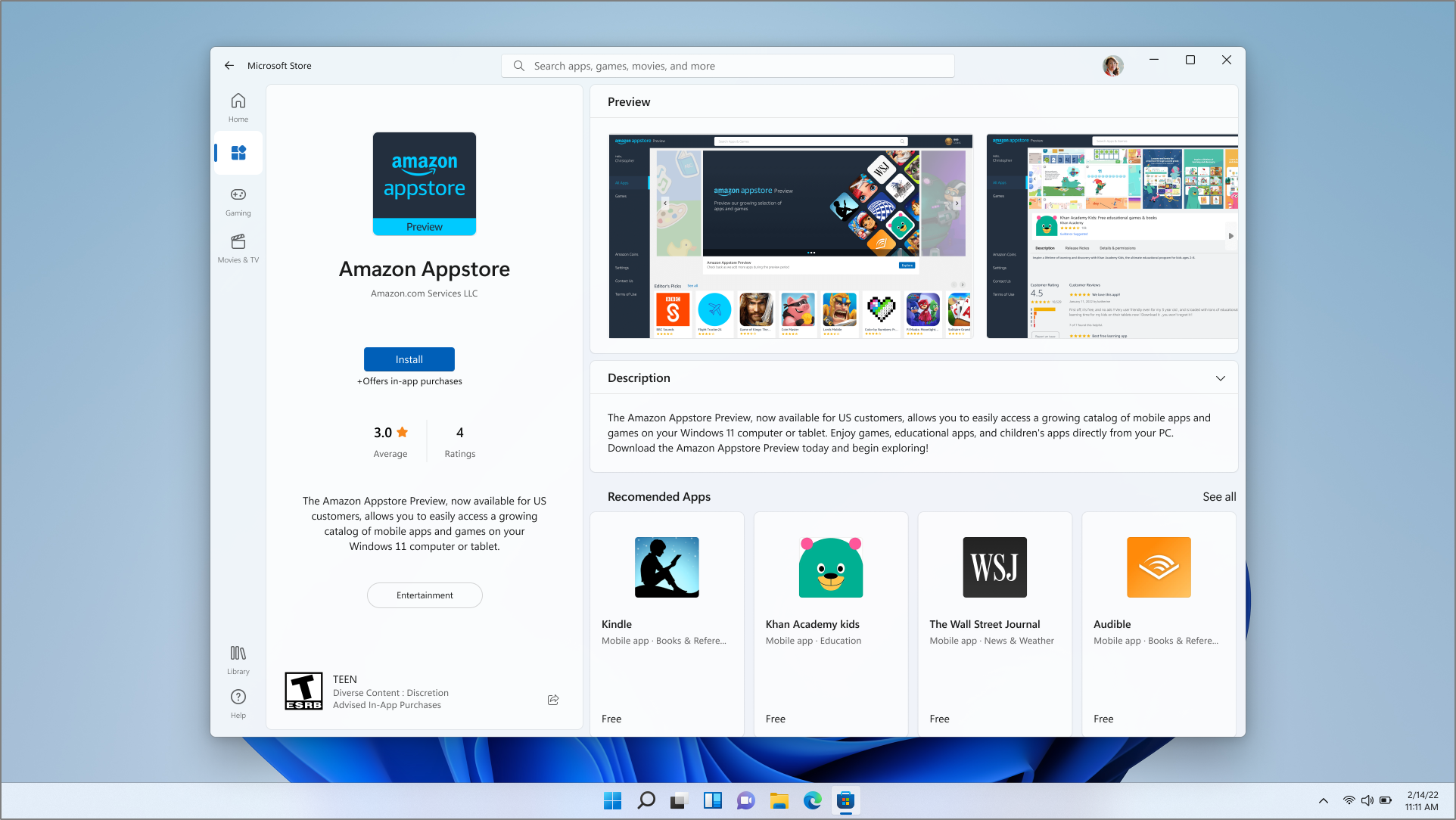
若要安装 Amazon Appstore,需要从 Microsoft Store 安装它。
安装完成后,Amazon Appstore 和 适用于 Android 的 Windows 子系统™“设置”应用将显示在“开始”菜单和应用列表中。 准备就绪后,打开 Amazon Appstore 并使用 Amazon 帐户登录。
重要
需要 Amazon 帐户才能从 Amazon Appstore 下载移动应用。
使用手机网络数据
如果你的电脑支持手机网络连接,并且你有一个与移动运营商的数据套餐,则 Amazon Appstore 和任何已安装的移动应用都可以使用手机网络数据。