
How to adjust your filters
Filters help you control the number of items displayed in lists. Throughout Dragon Copilot, you can use filters to customize your view.
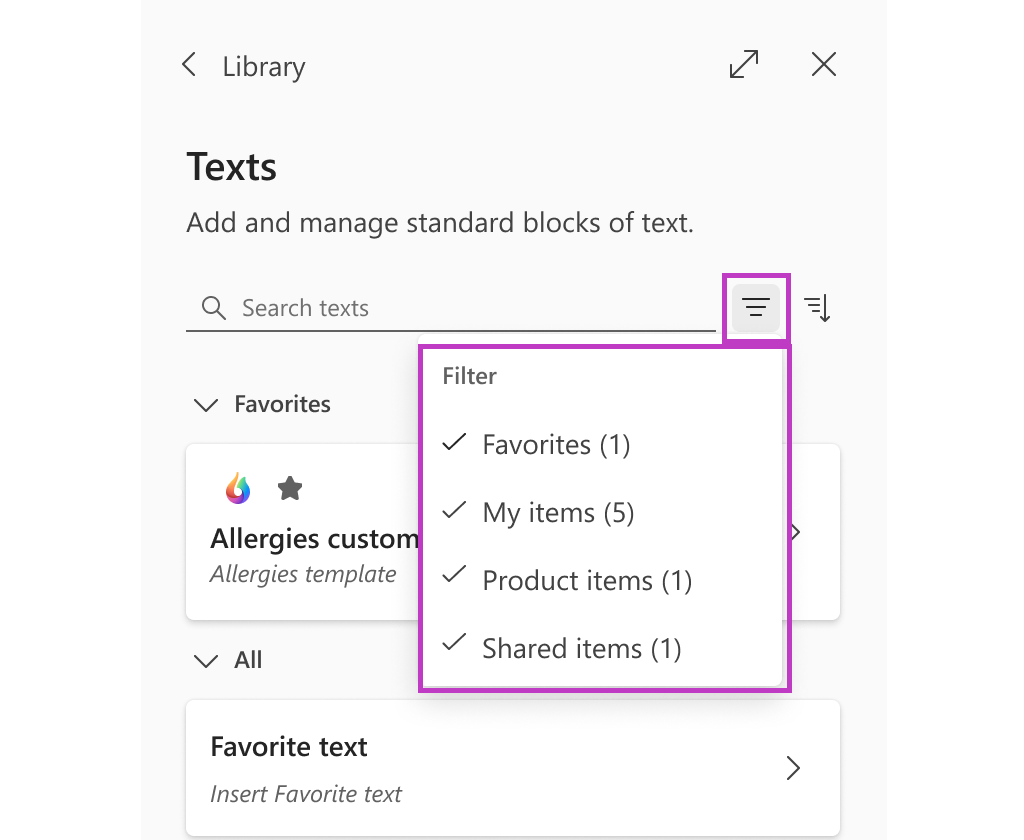
To filter Library Texts in Dragon Copilot:
- Select the Filter icon.
- Check or uncheck the desired groups to adjust your view.
Note
If you're a Dragon Medical One user and you create your own Auto-texts, you can access these Auto-texts in Dragon Copilot under Library > Texts > My items.
Related topics
Speed up your workflow with the Library