
Try it!
Add questions to build a survey, quiz, or poll in minutes.
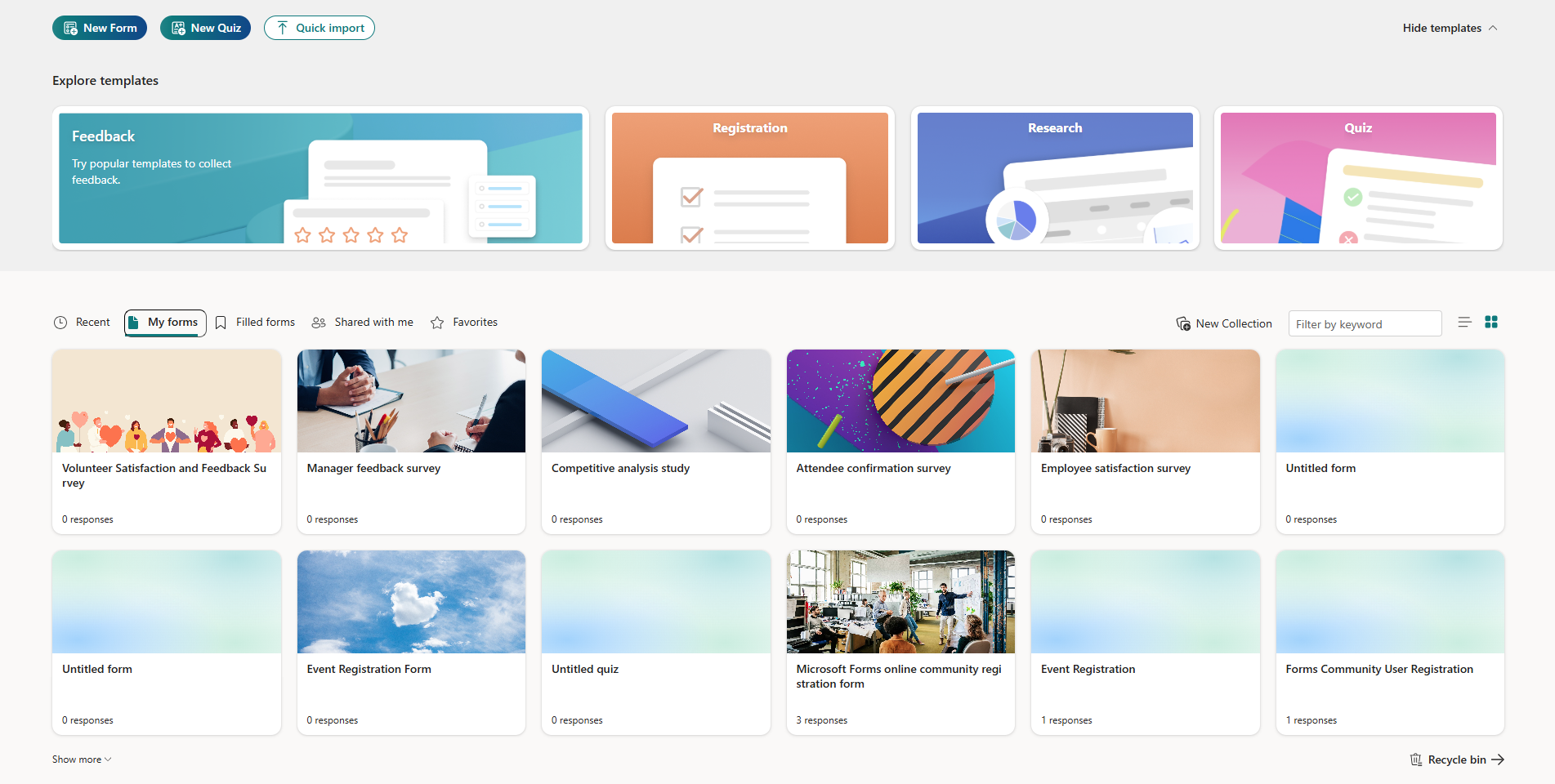
- Start at the portal page: forms.office.com.
- Select New Quiz or New Form.
- Name your form or quiz and give it a description or start with a template.
- Select Quick start with and choose the type of question you want to add.
- Adjust the settings for the added question. (e.g. branching, restriction, required, etc.)
- Continue to add questions.
- Select Preview to see how your form will look on a computer or mobile device.
- To add a background color or image to your quiz or form, select Style.
Want more?
Create a quiz with Microsoft Forms