
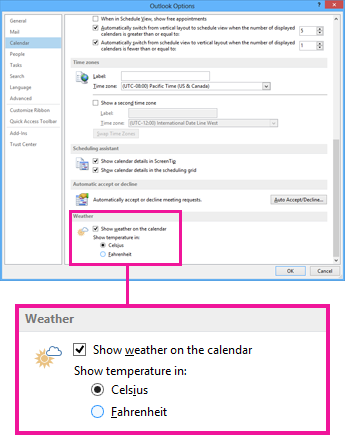
By default, Outlook displays temperatures using the Fahrenheit scale. To display temperatures using the Celsius scale, follow these steps.
- Click File > Options > Calendar.
- Under Weather, click Celsius.
- Click OK. Now Outlook displays temperatures in Celsius.
