Note
These features are only available to individuals using a work or school account with a qualifying Microsoft 365 subscription.
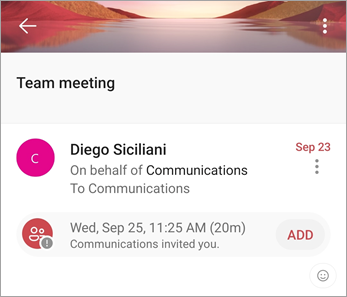
From groups shared mailbox, open a group event that you want to add to your personal calendar.
Tap the Add button to add the event to your personal calendar.
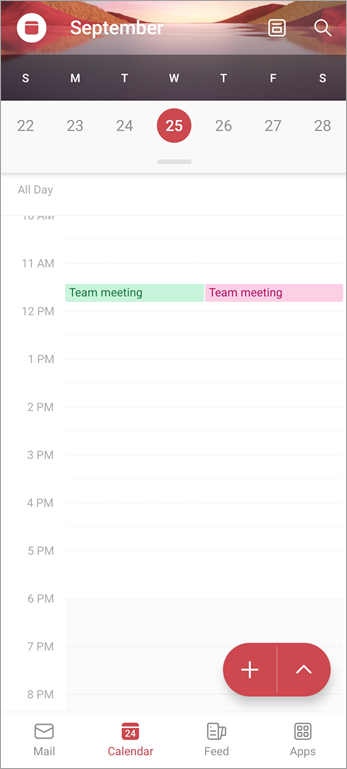
Verify that the group event was added to your personal calendar.