
Tap the edit icon (pencil) on the top of the sidebar, press and hold the three lines to the right of the entity you want to reorder, and drag in the list for your desired order.
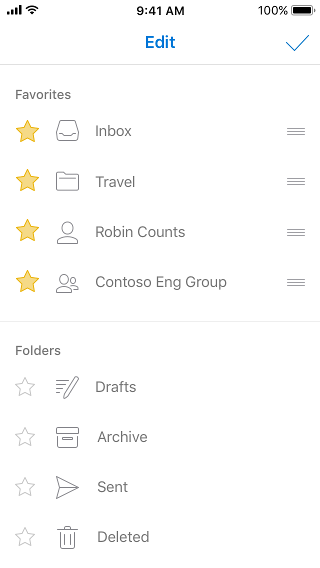
Tap the edit icon (pencil) on the top of the sidebar, press and hold the three lines to the right of the entity you want to reorder, and drag in the list for your desired order.