
After selecting the first photo, tap on the Add More icon in the Preview screen. This will take you back to the camera screen to select more images.
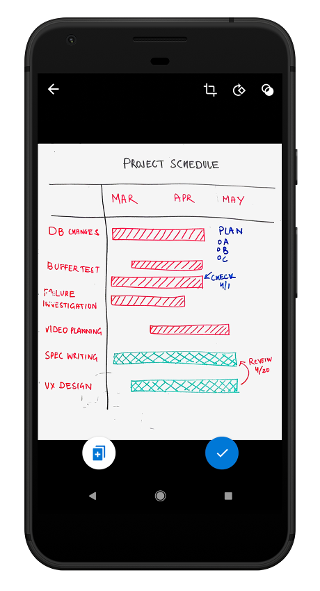
After selecting the first photo, tap on the Add More icon in the Preview screen. This will take you back to the camera screen to select more images.