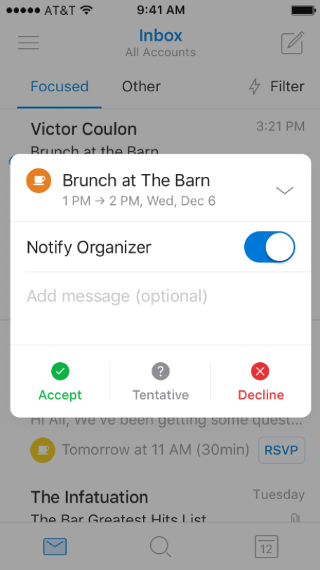
How do I collapse or expand the mini-calendar in the RSVP overlay?

Applies To
Outlook for Android Outlook for iOS

When the RSVP overlay is on screen, tap the up or down chevron (arrow) button to collapse or expand the mini-calendar.

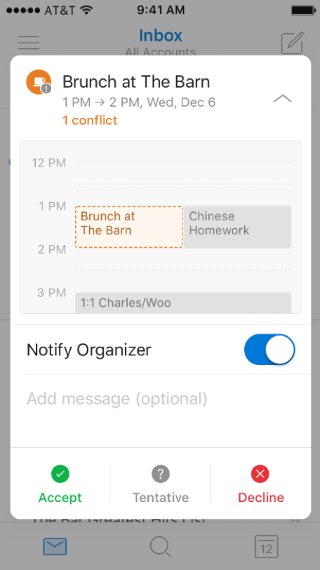
Shows a mobile screen, with an invitation on the calendar. The collapse arrow is at the top of the screen, pointing up.

Shows a mobile screen, with a summarized invitation to an event. The expand arrow is at the top of the screen, pointing down