When I receive an email with a Send Availability block in it, can I create an invite from that mail?

Applies To
Outlook for Android Outlook for iOS

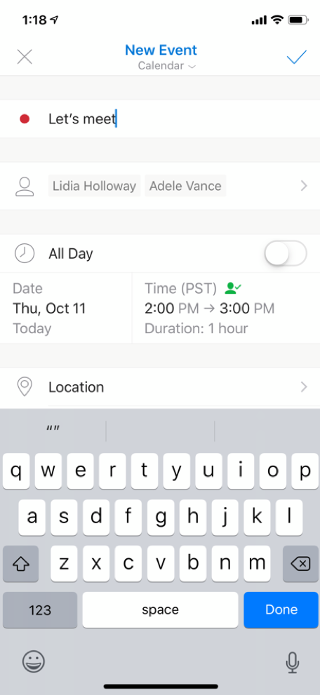
Yes. When you receive an email with a Send Availability block in it, tap on one of the times, then tap on Create Event from the menu that appears. A new event form will appear, automatically populated with the email recipients as invitees to your new event.
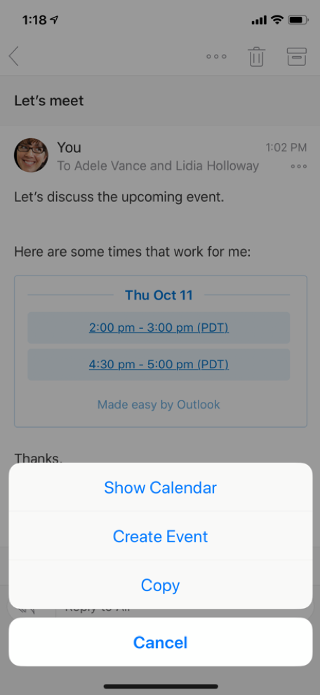
Shows an email on a mobile screen. There are menu options at the bottom: Show Calendar, Create Event, Copy, and Cancel.

Shows an email on a mobile screen. The invitees are listed, along with the meeting day and time. There’s an option for location also.