

With over twenty stencils and hundreds of shapes, the Azure Diagrams template in Visio gives you everything you need to create Azure diagrams for your specific needs. Design web apps, network topologies, Azure solutions, architectural diagrams, virtual machine configurations, operations, and much more.
Note
If you're using Visio for the web, be aware that Azure diagrams are available in Visio Plan 1, but are not available in Visio in Microsoft 365.
Example: To provide cloud-based identity authentication, start with the "Integrating On-Prem AD domains with Azure domain" template to visualize the best practices for integrating on-premises Active Directory domains with Azure Active Directory.
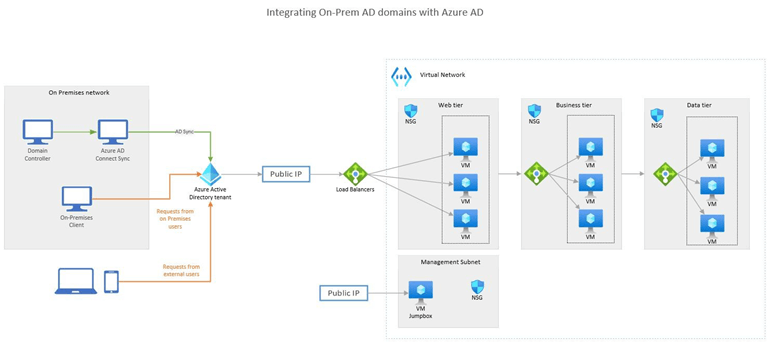
Get started with Azure diagrams
The Azure diagrams template can be accessed in the Visio desktop app or on Visio for the web with a Visio Plan 1 or Visio Plan 2 subscription. Only with Visio Plan 2, you can install and use the Visio desktop app. Not sure what license you have? You can check what version you have.
Note
Azure diagram templates were renamed from Cloud and Enterprise templates in the subscription versions of Visio. See the section Azure diagram templates for Visio 2019, 2016, and older versions below for more info on how to get these diagrams if you're not subscribed to Visio.
Open an Azure Diagram template
- Select File > New > Templates > Network > Azure Diagrams.
Work with sample diagrams
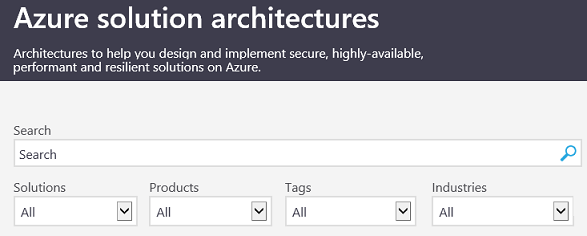
Use the many sample diagrams in the Azure solution architectures site to help you decide what you want to do and model your designs.
Summary of stencils and shapes
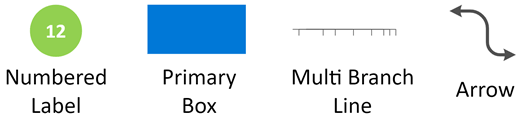
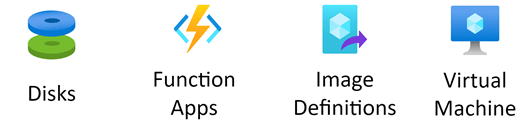
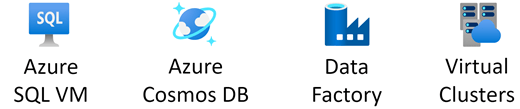
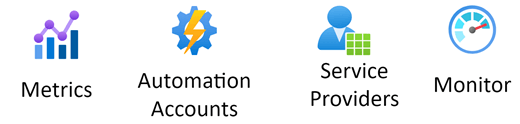
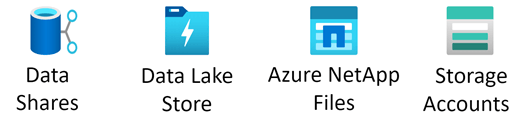
The following table summarizes the stencils with sample shapes to help you see the extensive scope of what’s available.
| Stencil | Sample Shapes |
|---|---|
| Azure Drawing |
|
| Azure AI + Machine Learning |

|
| Azure App Services |

|
| Azure Compute |
|
| Azure Containers |

|
| Azure Databases |
|
| Azure DevOps |

|
| Azure General |

|
| Azure IoT |

|
| Azure Identity |

|
| Azure Integration |

|
| Azure Management & Governance |
|
| Azure Migrate |

|
| Azure Networking |

|
| Azure Other |

|
| Azure Security |

|
| Azure Storage |
|
Azure diagram templates for Visio 2019, 2016, and older versions
If you have a non-subscription or older version of Visio, there are no Azure diagram (or Cloud and Enterprise) templates available. However, you can download Azure architecture icons, which enables you to create your own Azure diagrams with symbols and icons to represent your cloud system.
Note
Creating and editing Azure diagrams on Visio for the web requires a Visio Plan 1 or Visio Plan 2 license. For more information, contact your Microsoft 365 admin. If your admin has turned on self-service purchas fore Visio, you can purchase Visio yourself from the product web site. For more details see Self-service purchase FAQ.