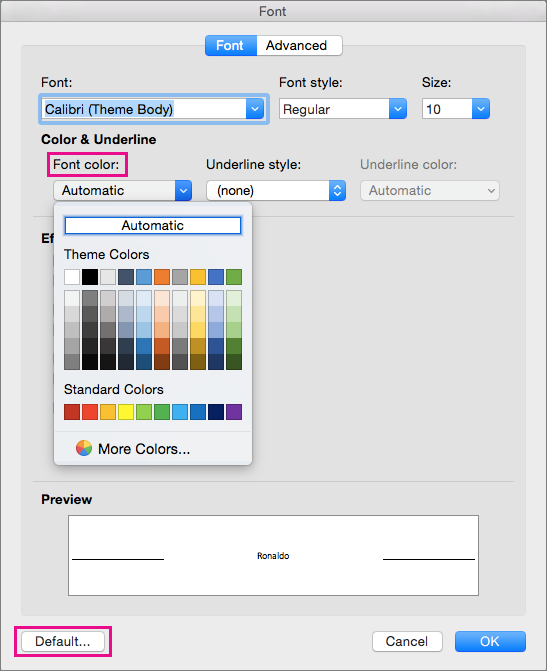
Open the template or a document based on the template whose default settings you want to change.
Go to Home and select the Font dialog launcher
 .
.Select the arrow next to Font color, and then choose a color.
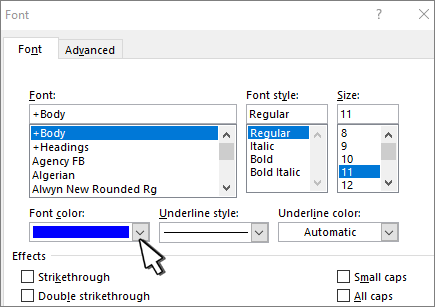
Select Set As Default and then select one of the following:
- This document only?
- All document based on the Normal template?
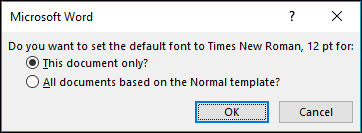
Select OK.
Change the default text color (font color) in Word
Applies To
Word for Microsoft 365 Word for Microsoft 365 for Mac Word 2024 Word 2024 for Mac Word 2021 Word 2021 for Mac Word 2019