

By default, the headers and footers in Word are the same on each page. You often want something different on the left and right side of the document. Here's how:
- Double-click the header or footer
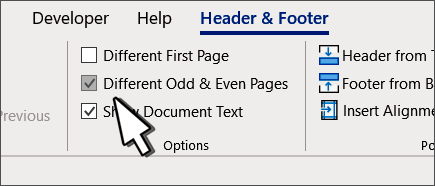
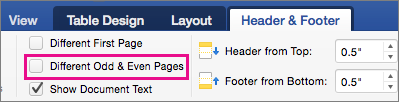
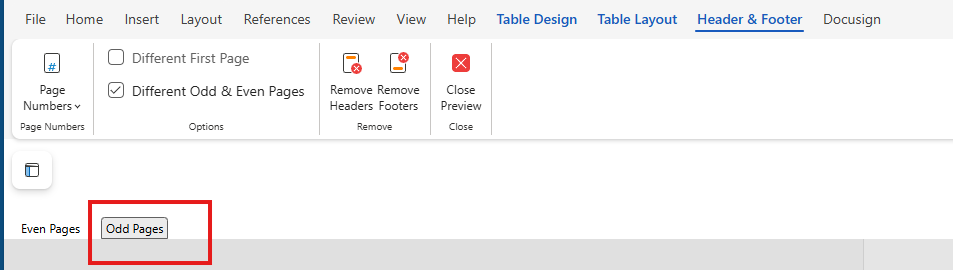
- Select Different Odd & Even Pages.
- On one of the odd pages, select the header or footer area you want to change.
- Type the document title, and then press Tab twice.
- Select Page Number > Current Position and choose a style.
- Select an even page.
- Select Page Number > Current Position and choose a style.
- Press Tab twice and type the document title.
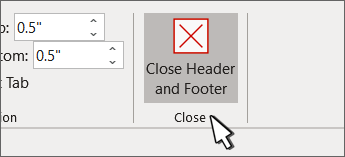
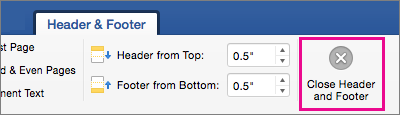
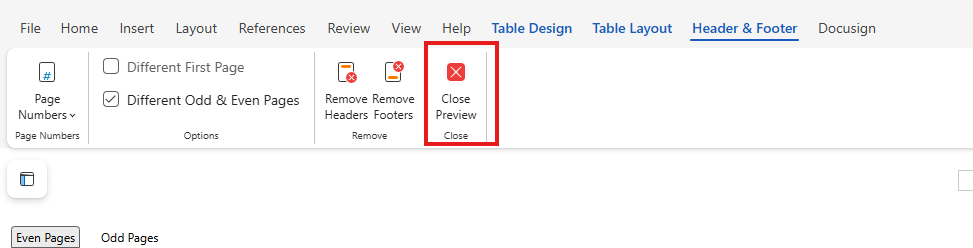
- Select Close Header and Footer or press Esc to exit.


For more on headers and footers, see Headers and footers in Word.