This content applies to Word for Windows (desktop). The steps and options may differ in Word for Mac or Word for the web.
To add WordArt to your document
- Click or tap where you want WordArt.
- Select Insert > WordArt.
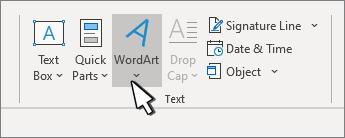
- Pick a style, and type your text.
To change the font, size, and emphasis
- Select the text in your WordArt object.
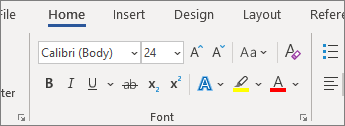
- Go to Home and choose an option from the Font group.
To change text color, outline, or create effects like shadows or rotation
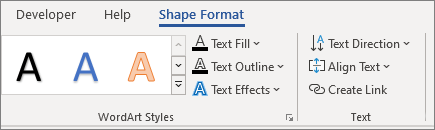
- Select your WordArt object, and go to Shape Format or Drawing Tools Format.
- Select options such as Text Fill, Text Outline, Text Effects, or Alignment.