
Use sections breaks to divide and format documents of all sizes. For example, you can break down sections into chapters, and add formatting such as columns, headers and footers, page borders, to each.
Add a section break
Select where you want a new section to begin.
Go to Layout > Breaks.
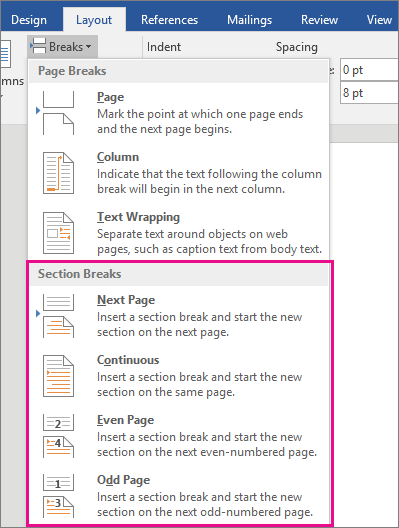
Choose the type of section break you want:
Next Page Section break starts the new section on the following page.

Continuous Section break starts the new section on the same page. This type of section break is often used to change the number of columns without starting a new page.

Even Page Section break starts a new section on the next even-numbered page.

Odd Page Section break starts a new section on the next odd-numbered page.


