Remove a page border
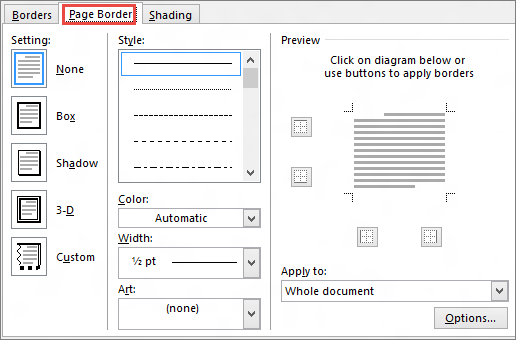
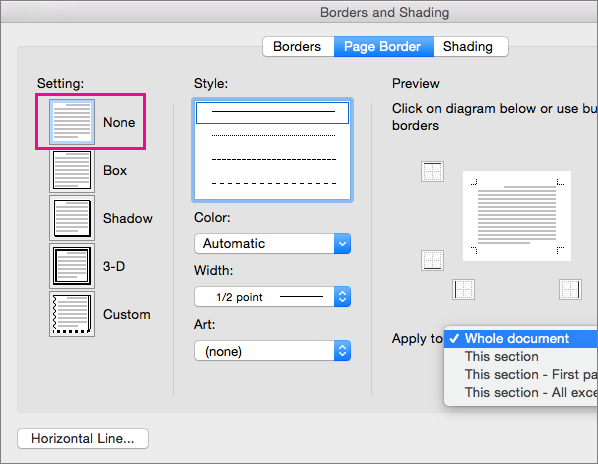
You remove a border by changing the page border setting to None.
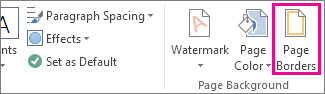
- On the Design tab, choose Page Borders.
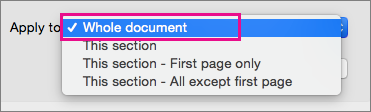
- In the Borders and Shading dialog box, in the Apply to list, choose the page (or pages) you want to remove the border from.
- Under Setting, choose None.
- Select OK.