

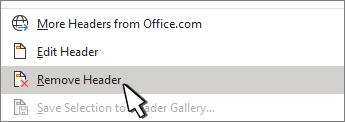
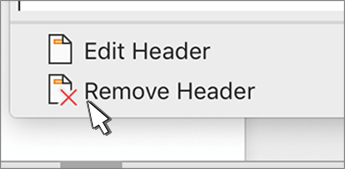
- Go to Insert > Header or Footer, and then select Remove Header or Remove Footer.
- If your document has more than one section, repeat this process for each section.
You can also delete a header from a single page.

For more on headers and footers, see Headers and footers in Word.