
Save your document to OneDrive
When you save your files to the cloud, you can share and collaborate with others, and get to your files from anywhere - on your computer, tablet, or phone.
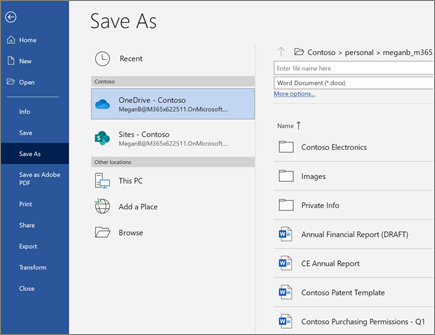
- Select File > Save As (or Save a Copy).
- Select OneDrive.
Save personal files to OneDrive - Personal, and work files to your company OneDrive. You can also save to another location in the list, or Add a Place. - Enter a descriptive name for the file, and select Save.
Next: Design and edit in Word
