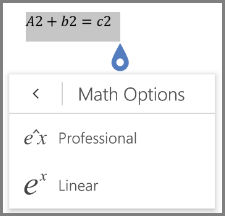
Word for Android and Word Mobile supports writing and editing math equations. Write your math equations in linear format, for example like a2+b2=c2 and Word will convert it into professional display format a²+b²=c².
| On iOS devices: |
|---|
 This feature is available to Office Insiders only right now.
Write equations
Open your Word document.
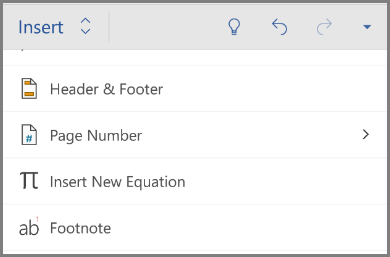
Tap Home and select Insert.
Under Insert, choose Insert New Equation. You get the prompt to type a new equation.
Note
There is no built-in equation gallery present in the mobile version unlike Word 2016
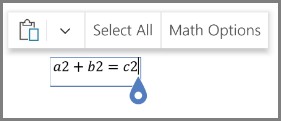
After you type your equation in linear format, tap to see Math Options.
Choose Professional to have your equations appear as display format.