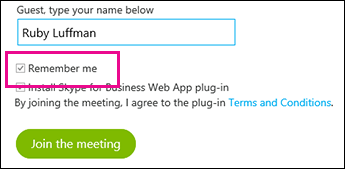
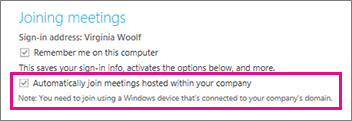
Skype Meetings App and Skype for Business Web App can save your meeting settings as well as your sign-in credentials, and take you directly into the meeting the next time you join. If you've joined a meeting hosted by someone in your organization, you can also choose to sign in automatically when you're connected to your organization's network.
You can speed up the process of joining meetings from Skype Meetings App—and access more options for personalizing your meeting experience—by clicking Yes in the Save Your Name and Settings box when you close a meeting.

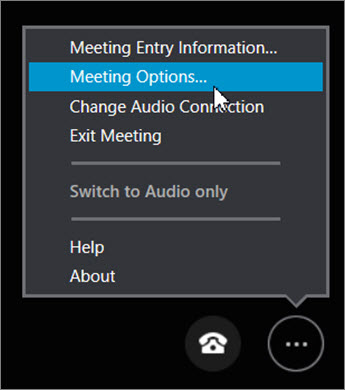
Once you've joined the meeting, go to More options > Meeting Options to see the additional choices available when you save your settings:
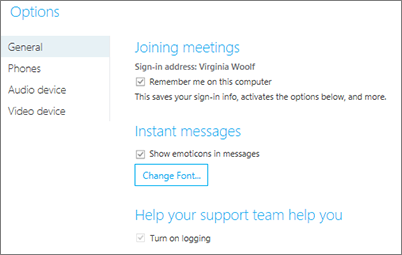
- General Personalize instant messages by changing the font size and color and turning emoticons on or off.
- Audio device Set the audio device you prefer to use. Learn more.
- Video device Set the video device you prefer to use, and turn off the Crop and center my video in meetings option if you need to.
Skype Meetings App saves your settings as well as your sign-in credentials, and takes you directly into the meeting the next time you join. If you've joined a meeting hosted by someone in your organization, you can also choose to sign in automatically when you're connected to your organization's network.