
Themes and templates help you create content that looks attractive and consistent while avoiding lots of manual formatting.
In this article:
49 seconds
What is a PowerPoint theme?
A theme is a predefined set of colors, fonts, and visual effects that you apply to your slides for a unified, professional look.
Using a theme gives your presentation a harmonious appearance with minimal effort. For example:
- When you add graphics (tables, shapes, and so on) to your slides, PowerPoint applies theme colors that are compatible with other slide elements.
- Dark-colored text is shown on a light background (and vice versa), so that contrast is strong for ease of reading.
Here are four different themes applied to the same slide:
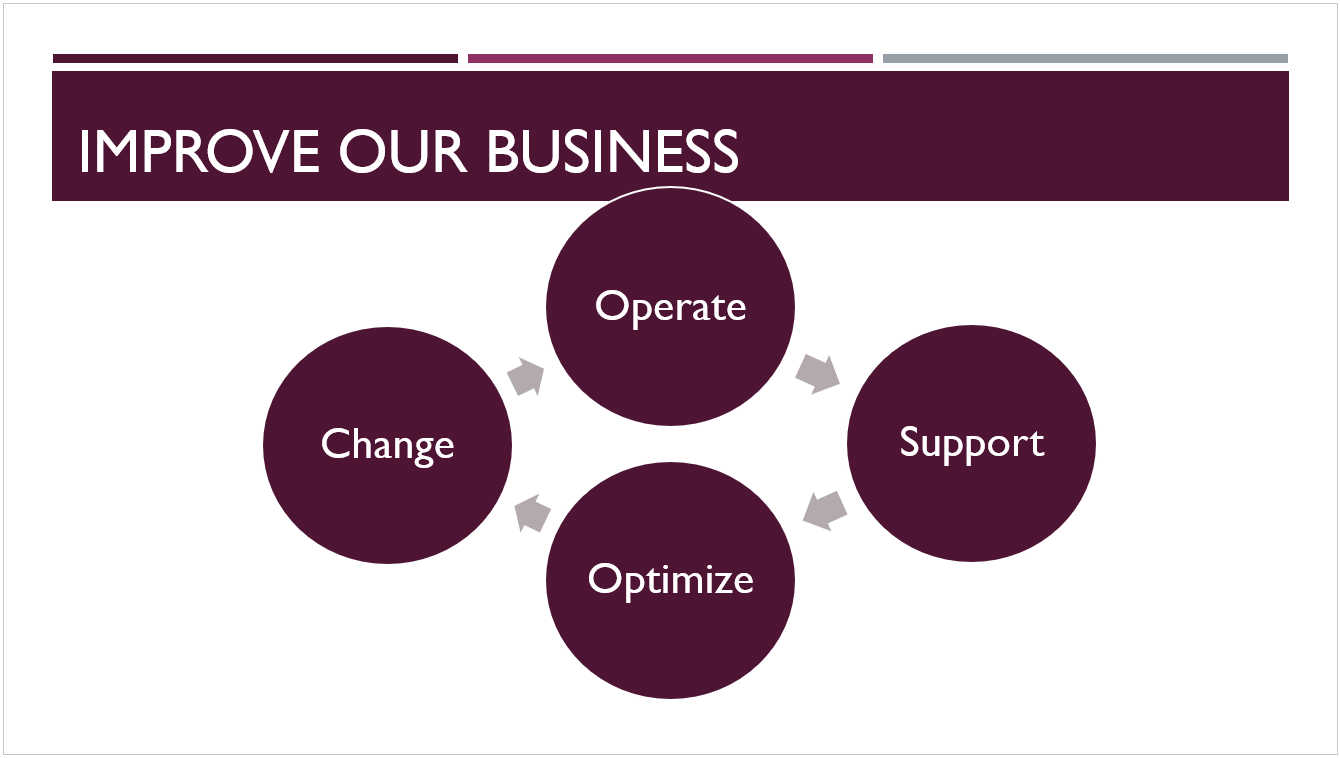
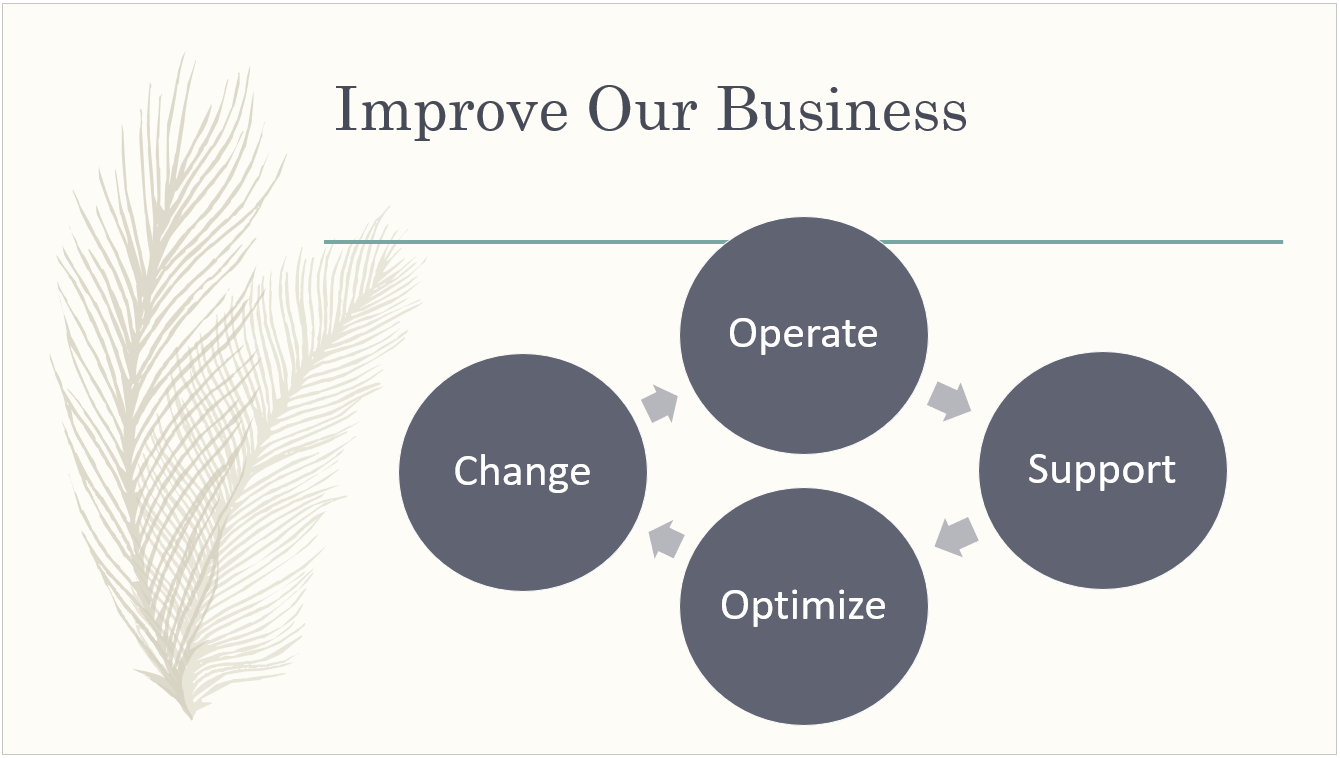
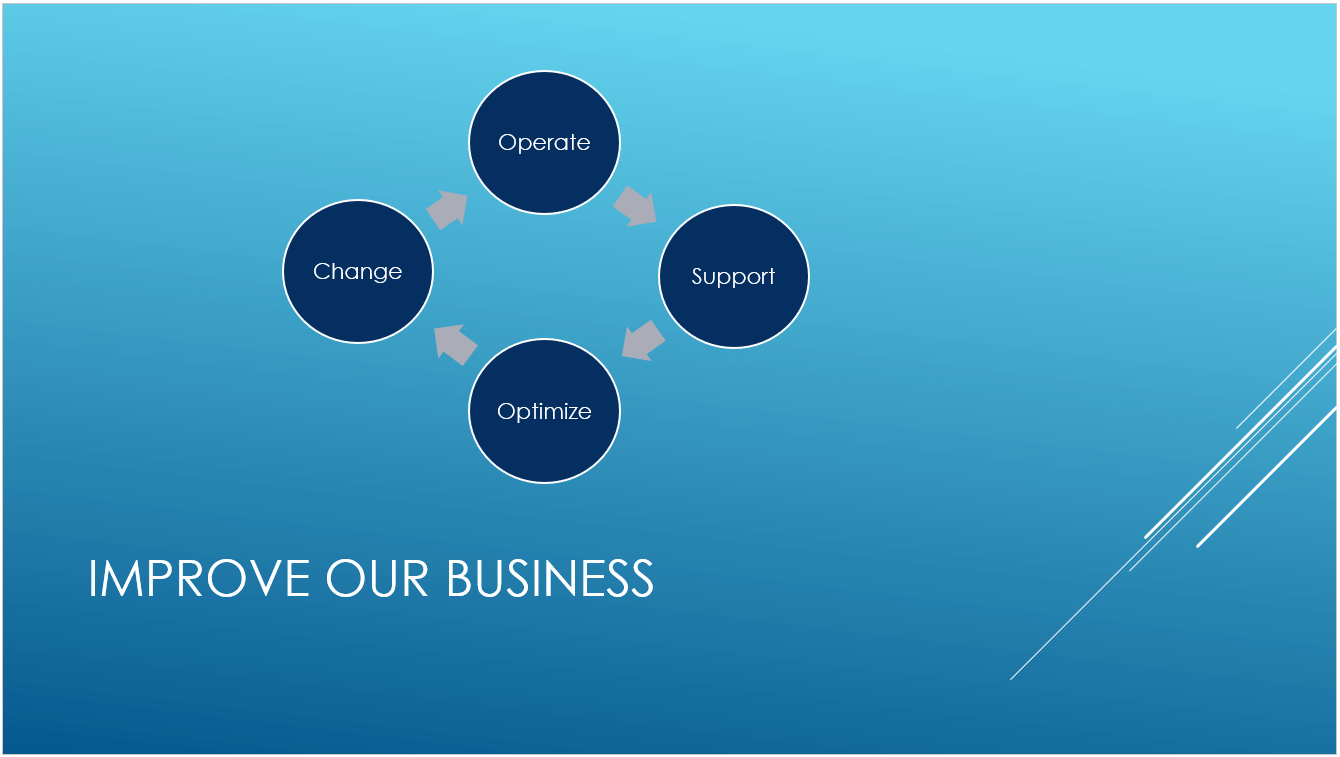
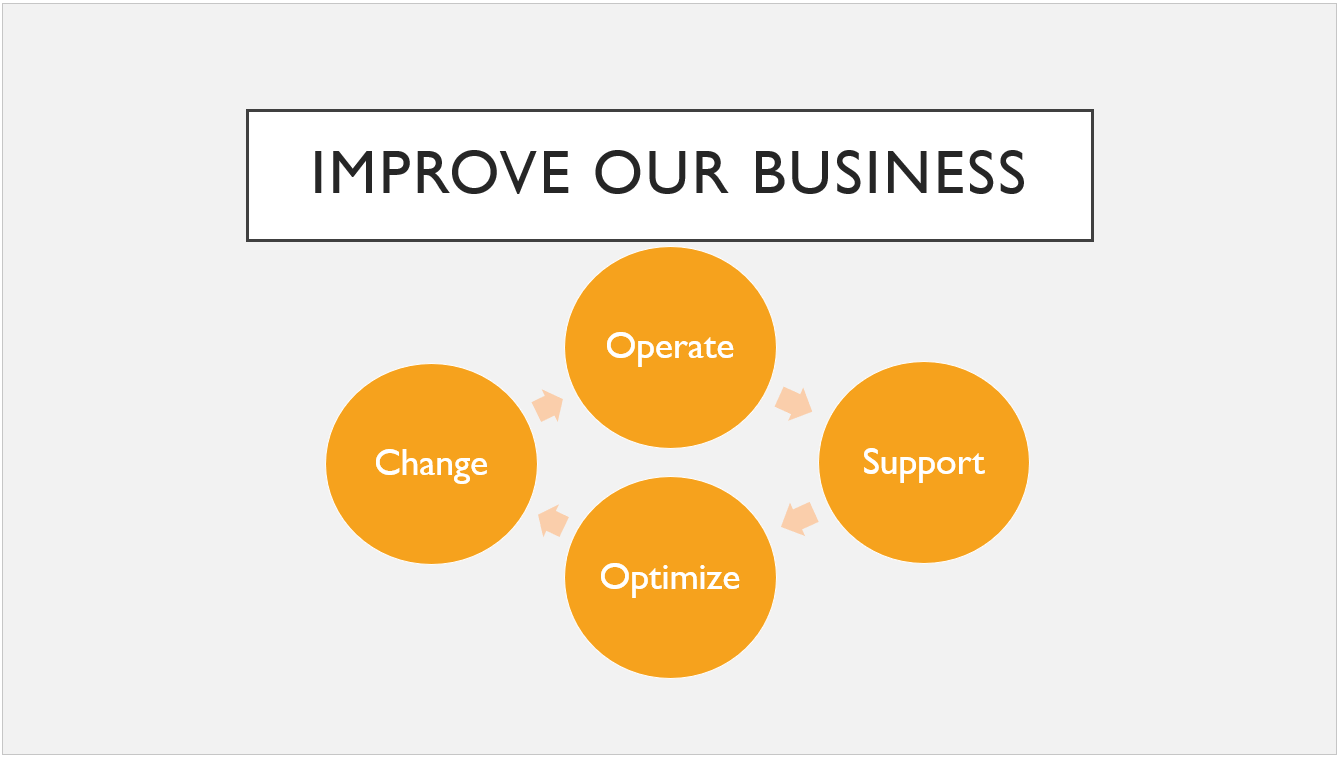
To choose a theme for your presentation
PowerPoint offers several preset themes. They are on the Design tab of the Ribbon on the left side.
Open a slide. On the Design tab, point at a Theme thumbnail to get a preview of how it would affect the look of your slide.
To see the full gallery of themes, click the More button:
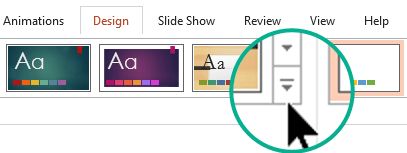
When you find a theme you want, click its thumbnail to apply it to all slides in your presentation.
To customize a theme, see Create your own theme in PowerPoint.
What is a PowerPoint template?
A template is a theme plus some content for a specific purpose—such as a sales presentation, a business plan, or a classroom lesson.
So a template has design elements that work together (colors, fonts, backgrounds, effects) along with sample slides and boilerplate content that you augment to tell your story.
You can create your own custom templates and store them, reuse them, and share them with others. See Create and save a PowerPoint template.
You can also find hundreds of different types of free templates for PowerPoint that you can apply to your presentation:
Tip
 Get pre-built PowerPoint templates at create.microsoft.com
Create.Microsoft.com also has templates for other Microsoft 365 apps. Here are some examples of the free templates available there:
| Agendas | Award certificates | Brochures |
| Budgets | Business cards | Calendars |
| Slides containing content | Contracts | Databases |
| Design slides | Diagrams | Envelopes |
| Expense reports | Fax sheets | Flyers |
| Common forms | Gift certificates | Greeting cards |
| Inventories | Invitations | Invoices |
| Labels | Letters | Lists |
| Memos | Minutes | Newsletters |
| Plans | Planners | Postcards |
| Purchase orders | Receipts | Reports |
| Resumes | Schedules | Statements |
| Social media | Timelines | Video |