
Microsoft introduced jailbreak/root detection for work or school accounts in Microsoft Authenticator. This change enhances security by preventing work or school accounts in Authenticator from functioning on jailbroken or rooted devices.
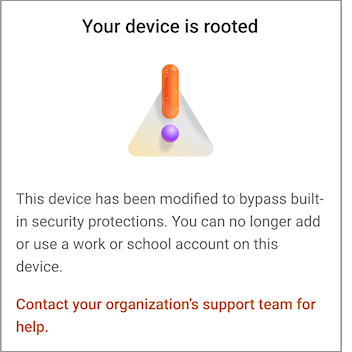
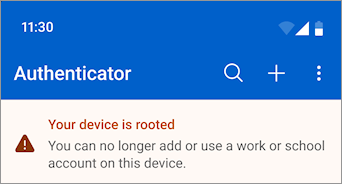
If Authenticator detects that your device is jailbroken or rooted, all existing and new work or school accounts will be blocked to protect your organization.
Note
This feature does not require IT admin configuration or control, and personal accounts are unaffected.
What does "Your device is jailbroken" mean in Authenticator?
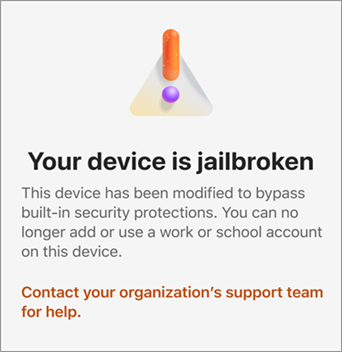
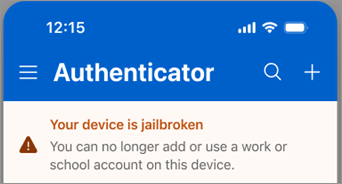
If you have a jailbroken device, you will see an error during any interactive operation that involves a work or school account in Authenticator. The error says Your device is jailbroken and You can no longer add or use a work or school account on this device.
Learn more
Read this English blog post on What does jailbroken or rooted mean?
Need more help?
For help removing jailbreak or rooted modifications, or about how to ensure continued sign-in, contact your organization's support team.