

You can start a scan for malware any time you like.
Note
Microsoft Defender currently offers anti-malware on Windows, Android, and macOS.
From the Microsoft Defender dashboard

Select Device details
Select Manage in Windows Security
Select Quick scan
Tip
- If you want a deeper scan, instead of selecting Quick scan in step 3, select Scan options and choose the type of scan you want.
- For the most complete scan, run Microsoft Defender Offline. For more about that see Help protect my PC with Microsoft Defender Offline.
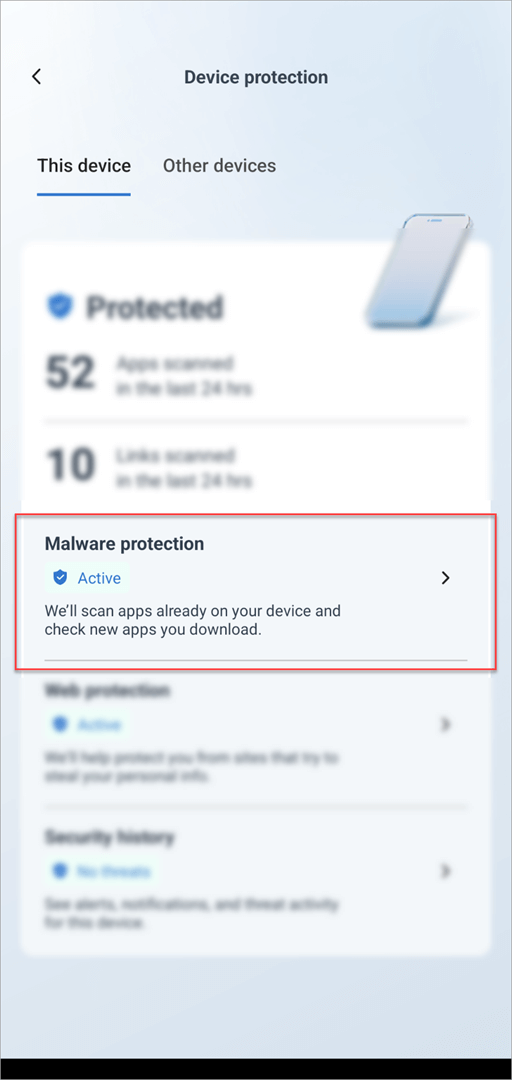
When the scan completes, Defender will tell you if it found anything.
When would I want to run a scan?
If you suspect your device may be infected, or if you want to confirm that a previous infection appears to be cleaned, you should have Defender start a scan.
Signs that your device might have malware include:
- Suddenly running much slower than usual
- Significant decrease in battery life
- An unexpected increase in data usage
Any of those symptoms may indicate that an unknown process is running in the background and consuming your device resources.
Other clues include:
- Unexpected ads or pop-ups
- Getting redirected to totally different sites when trying to browse the web