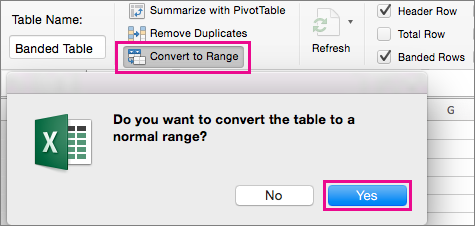
The easiest way to apply shading or highlighting to alternate rows is to make them a table. Tables also include tools to help you analyze your data. However, if you want only table style formatting, you can remove the additional table functionality.
Make a table to shade or highlight alternate rows
- On the sheet, select the range of cells that you want to shade.
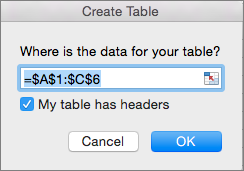
The cells can be empty or can contain data. - On the Insert tab, select Table. If your data has headers, select My table has headers, and then select OK.
- On the Table tab, select the style that you want.

- To remove the sort and filter arrows, on the Table tab, select Convert to Range, and then select Yes.