

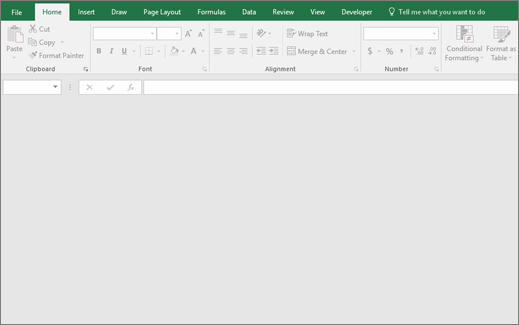
You double-click an Excel file, but Excel doesn't open the file. Instead, it opens a blank screen with the buttons grayed out. Your screen might look similar to this image:
Solution
Try performing an Online Repair of Office by following the steps in Repair an Office application.
If that repair doesn't work, select the Contact us link in the following section. If you don't see this link, select Read article in browser, and then select the Contact us link at the bottom of the page.