Important
Try using the new XLOOKUP function, an improved version of VLOOKUP that works in any direction and returns exact matches by default, making it easier and more convenient to use than its predecessor.
If you use the VLOOKUP function to search for specific values in a list or table, you might see #N/A errors. These errors often appear when you look for exact matches. Although these errors are annoying, they occur for a good reason: either the value you’re trying to find doesn’t exist, or it does exist—but Excel doesn’t perceive it as a match because of a formatting mismatch or other issue.
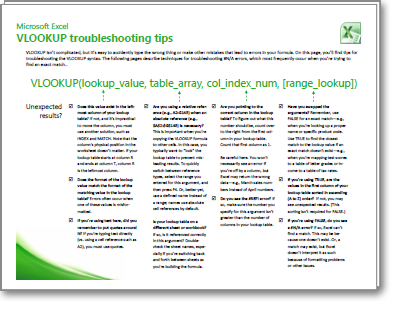
To download a three-page reference guide that offers basic troubleshooting tips for VLOOKUP, select the following link. When you select the link, the reference guide downloads as a PDF file that you can view in your web browser or a PDF reader. You can print a copy of this reference guide, or save it to your computer for future reference.