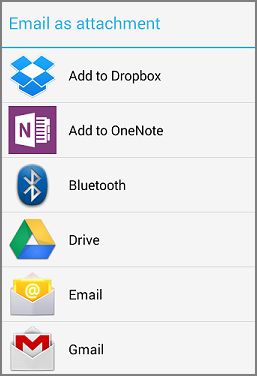
If you'd like to share an Excel spreadsheet that's in a shared location, you can send a link to the file or send the file as an attachment. The advantage of sharing a link is that you can update the spreadsheet any time and your recipients will always have the most up-to-date version.
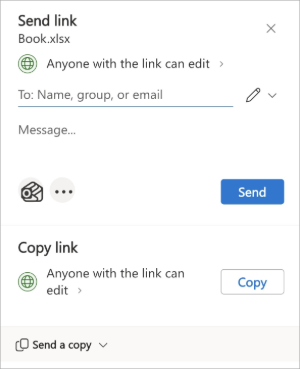
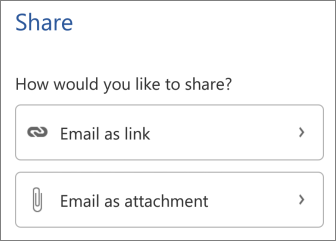
To share, open your file and tap Share. Your version will determine how the Share button looks.


Share a link to the file or attach it to email or OneNote. Your version will determine what you see.
Note
For older versions:
- The Email as link is available only for files that are opened from one of the online storage locations like OneDrive, OneDrive for Business, or Dropbox.
- If you Email as attachment, you can choose from one of the options available on your device.