

With Microsoft Copilot, you can quickly generate QR codes for any URL. This feature makes it easy to share links in a scan-friendly format, perfect for presentations, documents, or any other context where a quick and accessible link is needed.
How to create a QR Code
Open Copilot Chat..
Enter a prompt that describes the QR code you want, and send it. For example:
|
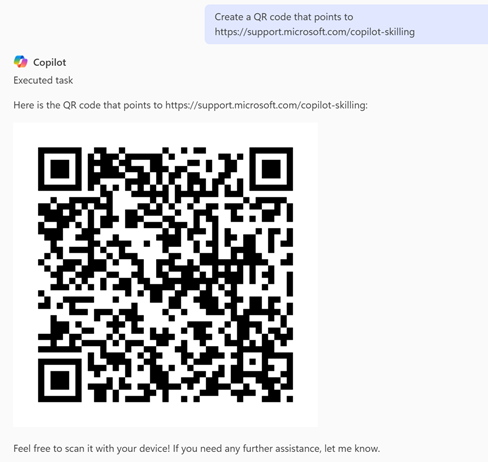
 Create a QR code that points to https://support.microsoft.com/copilot-skilling |
Copilot generates a QR code based on the URL provided.
Select the Copy or Download icon on the top right of the generated QR code image.